Skip to content
CamerasUse casesSafeguardsAbout UsContactDiscuss a hotel pilot

HOTEL AI OPERATION PLATFORM · CANDIDATE CATALOG

Candidate workflows for hotel teams.

A working catalog of operational ideas—from safety and housekeeping to facilities, AI assistance and robotics.

These 50 use cases are under consideration, not live product capabilities or a final implementation roadmap. Each depends on customer discovery, site-specific validation, human review and an agreed hotel response process.

50candidate workflows
7operational domains
01current first-pilot candidate

Scope and safeguards. The current initial scope excludes guest-room monitoring, facial or biometric identification, identity tracking and autonomous emergency action. Hotel teams and certified safety/security systems remain in control.

01Safety & liability802Security & access control703Cleanliness & housekeeping604Guest experience & hotel operations805Facilities & maintenance806AI agent & operational search707Robotics & autonomous cleaning6
01

Safety & liability

High-impact events require human verification and the hotel’s existing safety procedures.

8 workflows
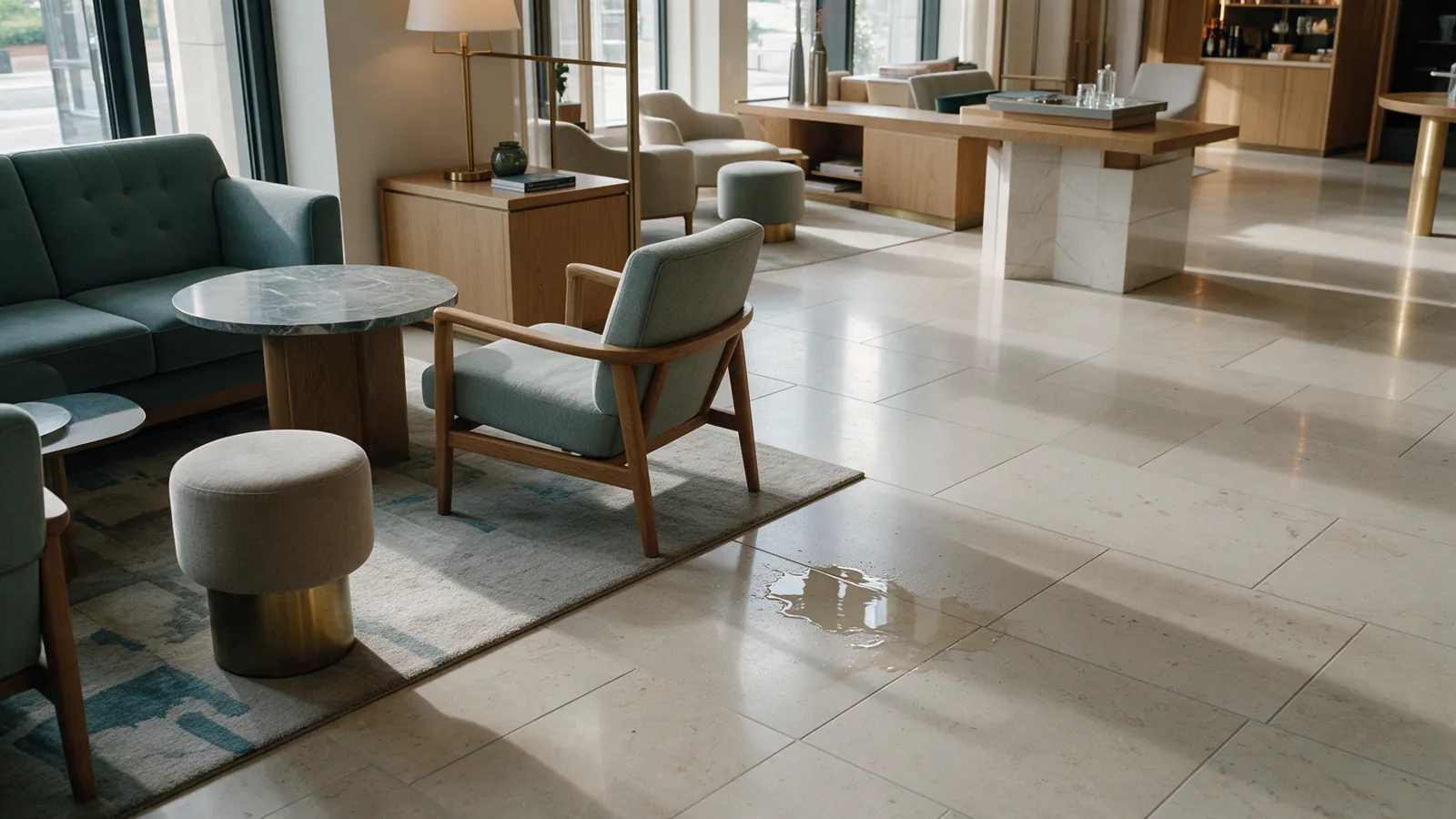
Illustrative hotel lobby with a small water spill on the floor.WET FLOOR0.88
UC-SAF-001Current pilot candidate

Spill / wet floor / slip risk

Surface a possible spill or wet floor in an approved public or service area for staff review. Staff secure the area, address the cause and confirm resolution under hotel procedure.

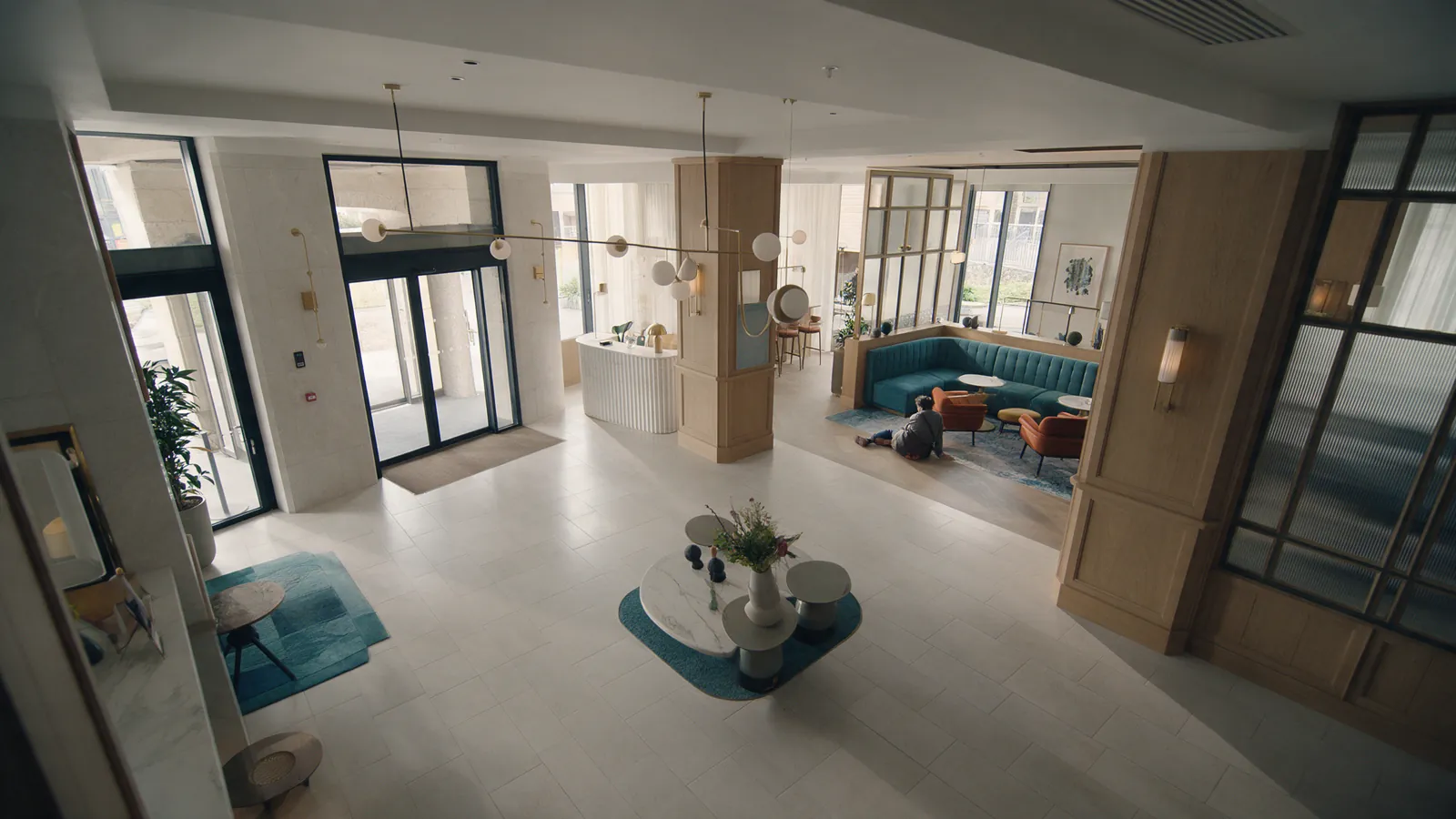
Illustrative high-angle view of a person seated on a lobby floor after a possible fall; no face visible.POSSIBLE FALL0.84
UC-SAF-002

Person down / fall

Surface a possible fall or prolonged time on the floor for immediate human verification. The hotel’s existing emergency procedure remains in control.
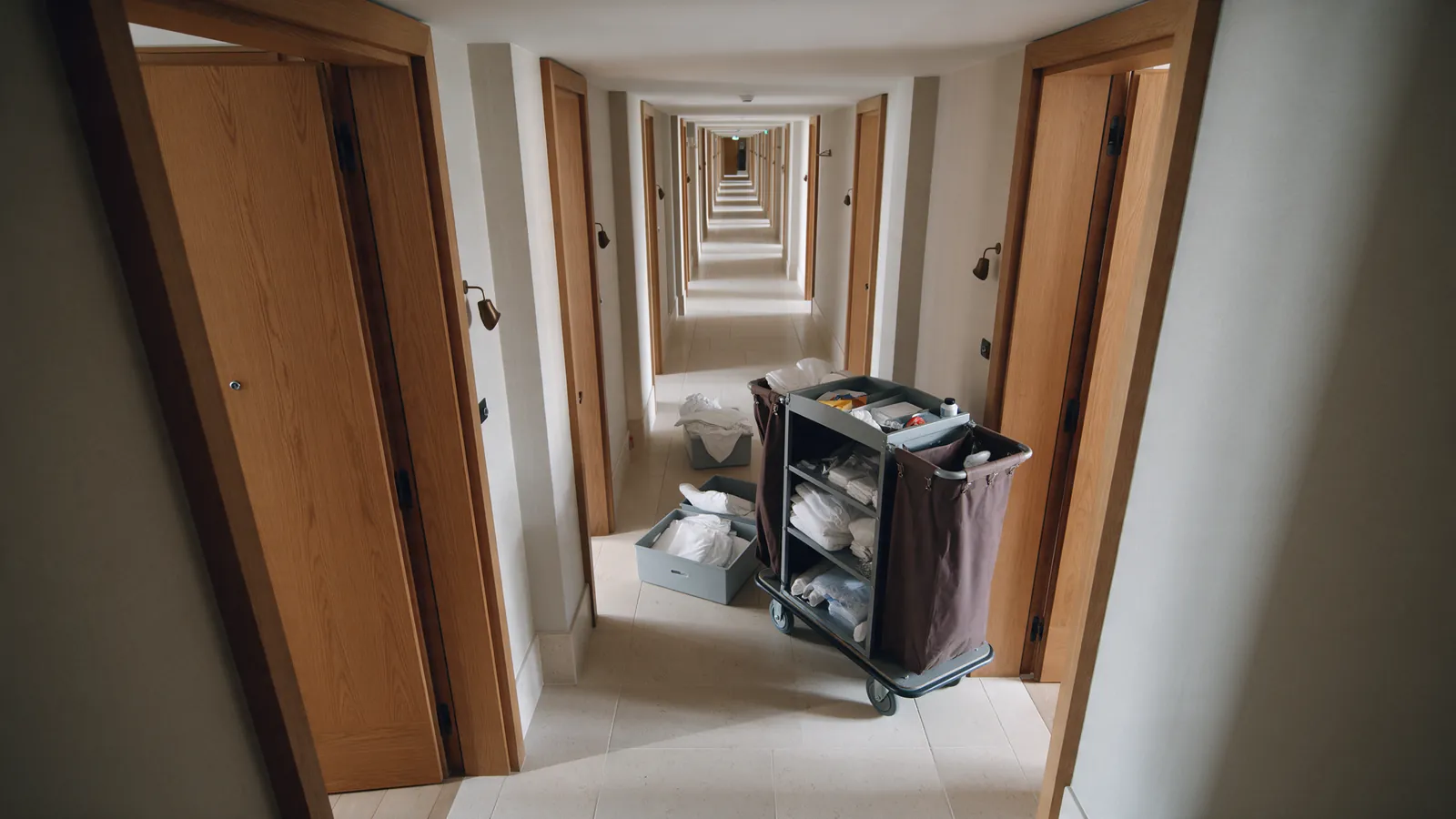
Illustrative hotel corridor narrowed by a housekeeping trolley and cartons.OBSTRUCTION0.91
UC-SAF-003

Blocked corridor

Flag a cart, box or other unexpected object that narrows a public corridor or evacuation route; route it to Housekeeping or Facilities to restore clear access.
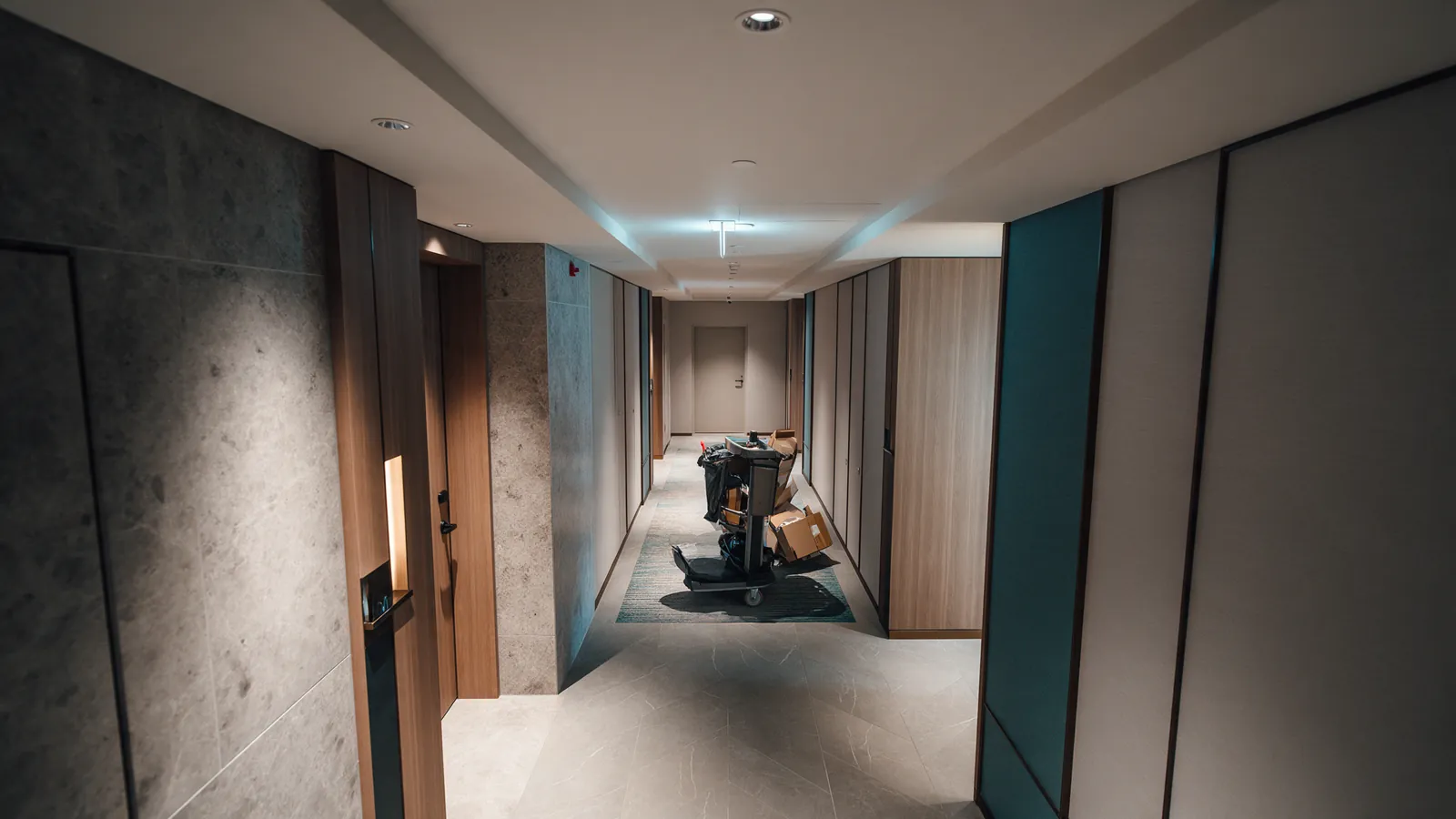
Illustrative service trolley blocking the approach to a hotel exit door.EXIT BLOCKED0.87
UC-SAF-004

Blocked emergency exit

Surface objects blocking an emergency exit or evacuation route for the designated safety owner; certified systems and hotel safety policy remain in control.
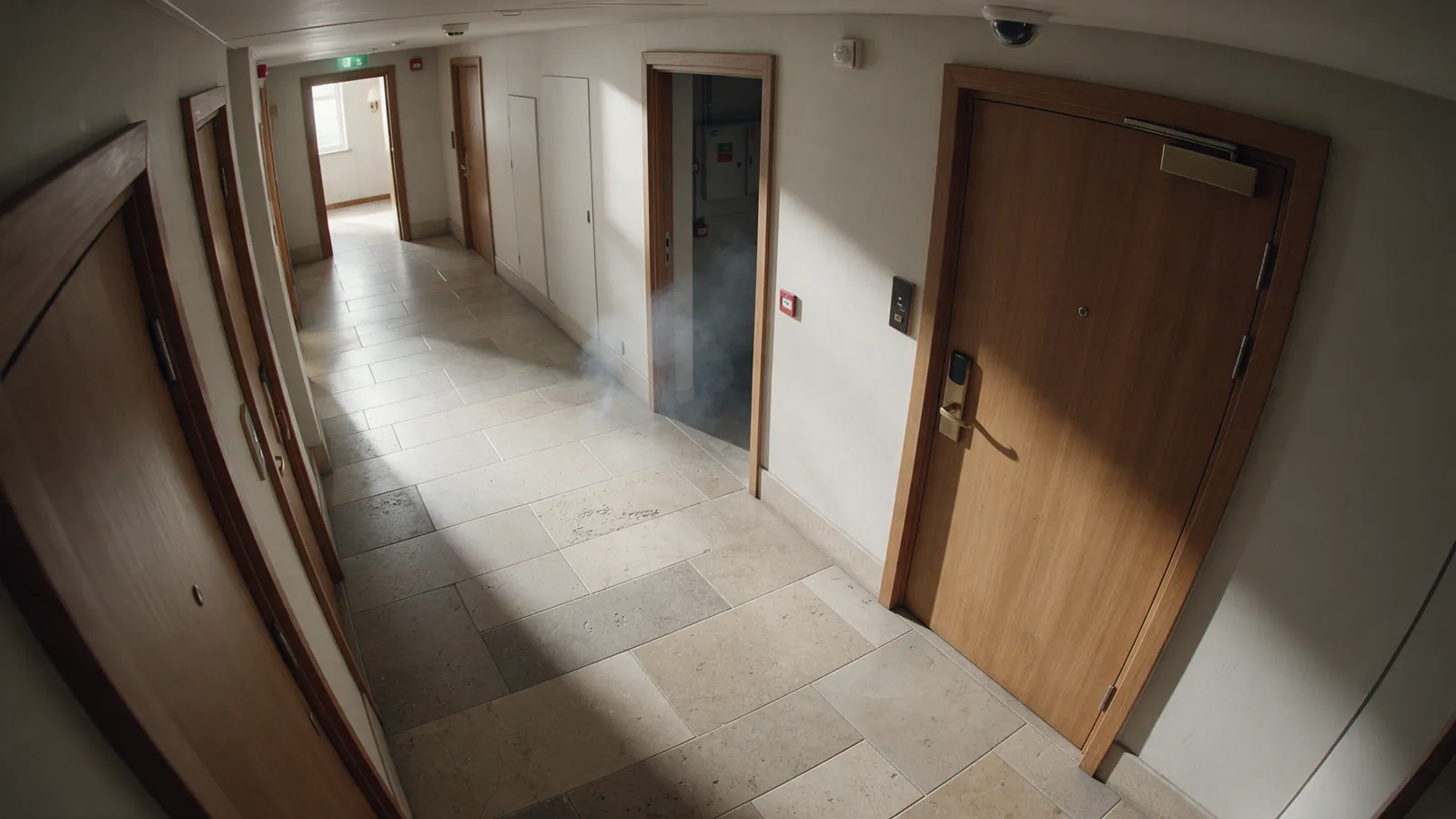
Illustrative faint smoke near a hotel utility-room doorway.SMOKE0.79
UC-SAF-005

Visible smoke / fire / hazard

Provide an additional visual signal for visible smoke, flame or another hazard, then route it through the hotel’s fire-safety procedure; it does not replace a certified fire alarm.
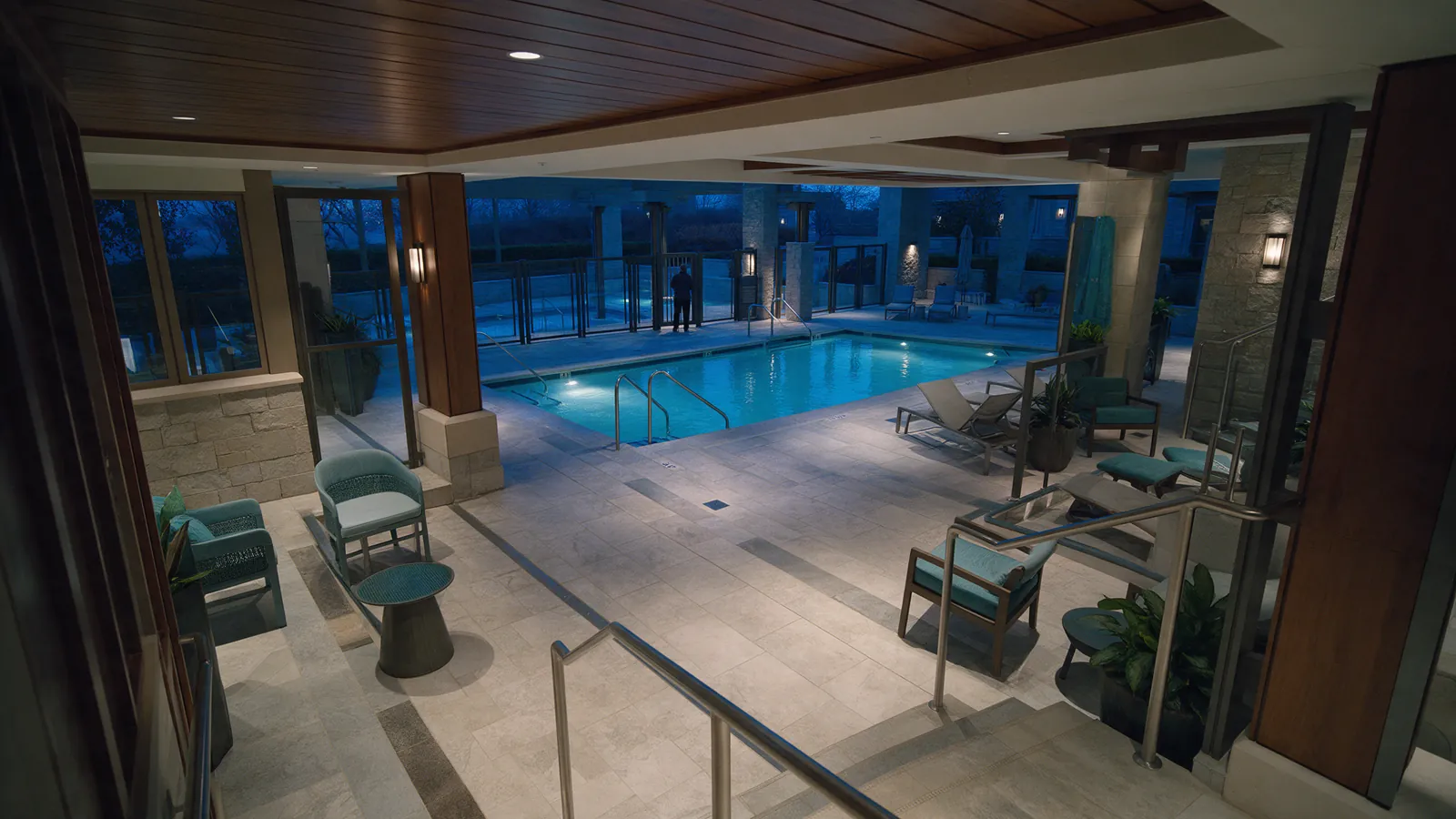
Illustrative after-hours hotel pool deck with a distant figure beyond an access gate.POOL PRESENCE0.86
UC-SAF-006

Unsafe pool / no-go area

Flag possible presence in a pool, rooftop or other restricted zone outside approved hours for staff review, without identifying the person.
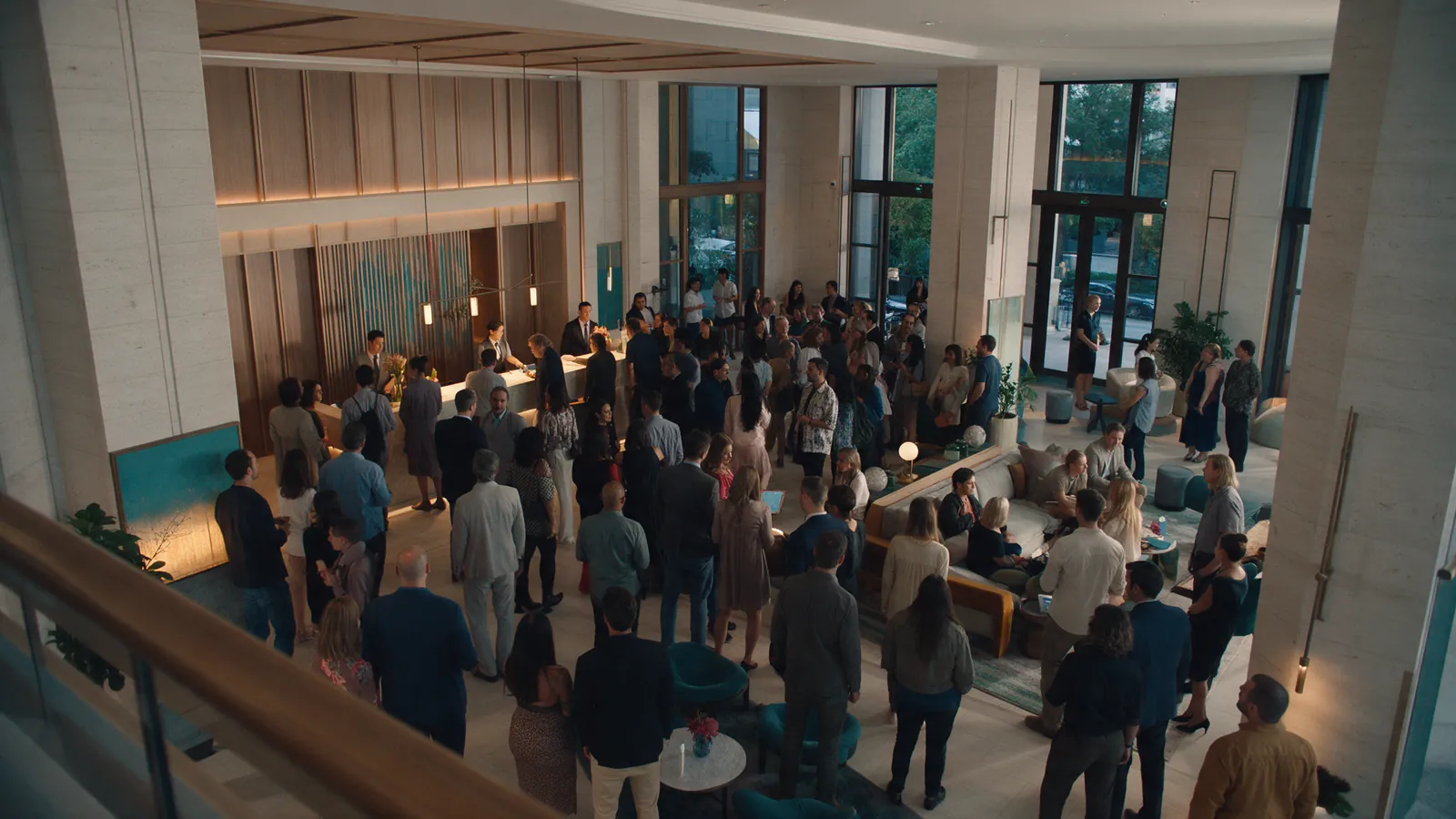
Illustrative hotel lobby with a dense but calm event crowd seen from above.CROWD0.91
UC-SAF-007

Crowd / aggressive or violent activity

Surface unusual crowd density or potentially unsafe activity in public areas for human assessment; do not infer intent or identity.
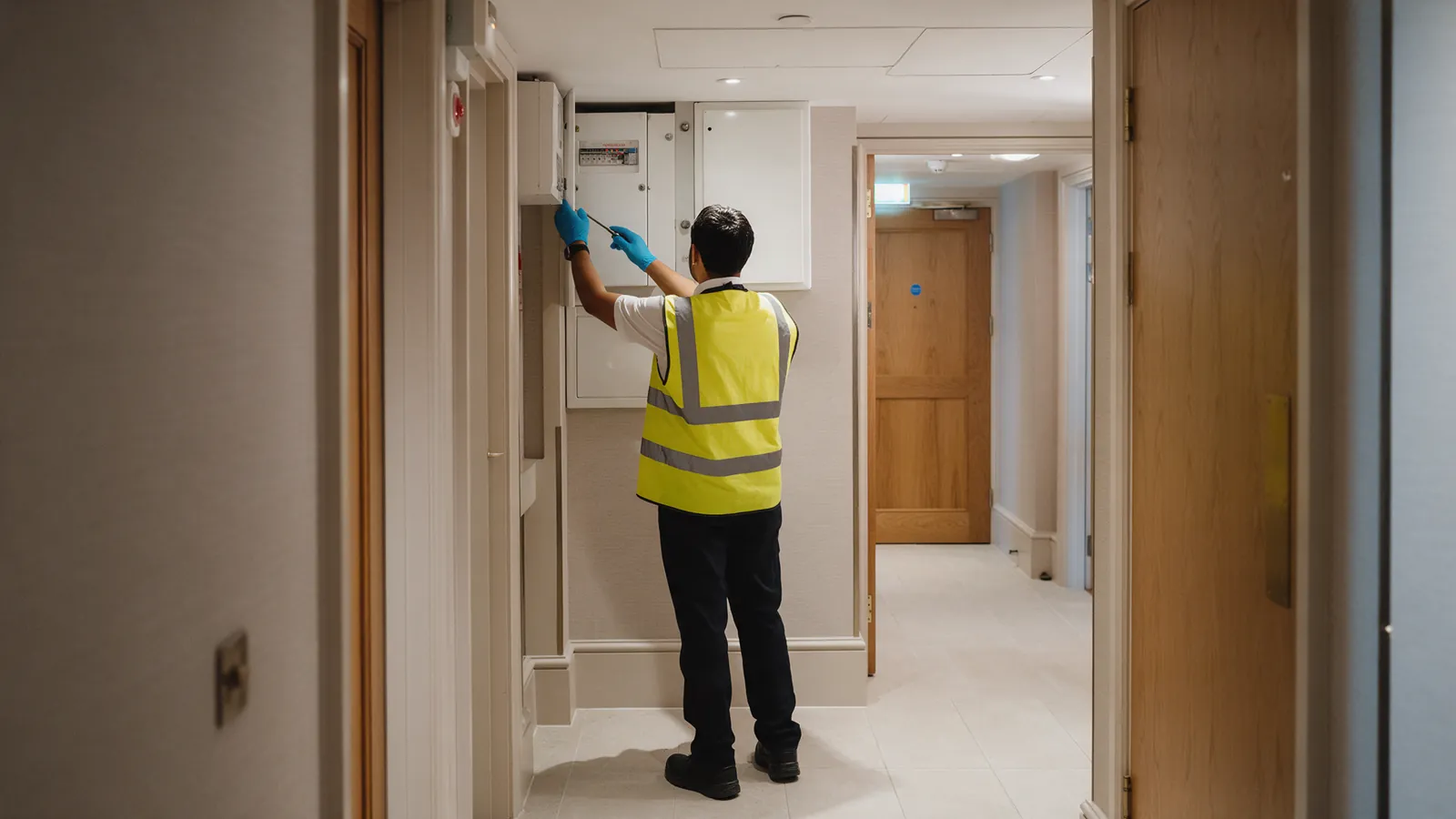
Illustrative hotel staff member wearing protective gear in a service area, viewed from behind.PPE0.89
UC-SAF-008

Staff safety / PPE

Explore agreed PPE and safety-procedure checks in back-of-house areas with staff consultation; avoid hidden individual surveillance.

02

Security & access control

Use agreed zone and time rules with human verification—not facial recognition or identity tracking.
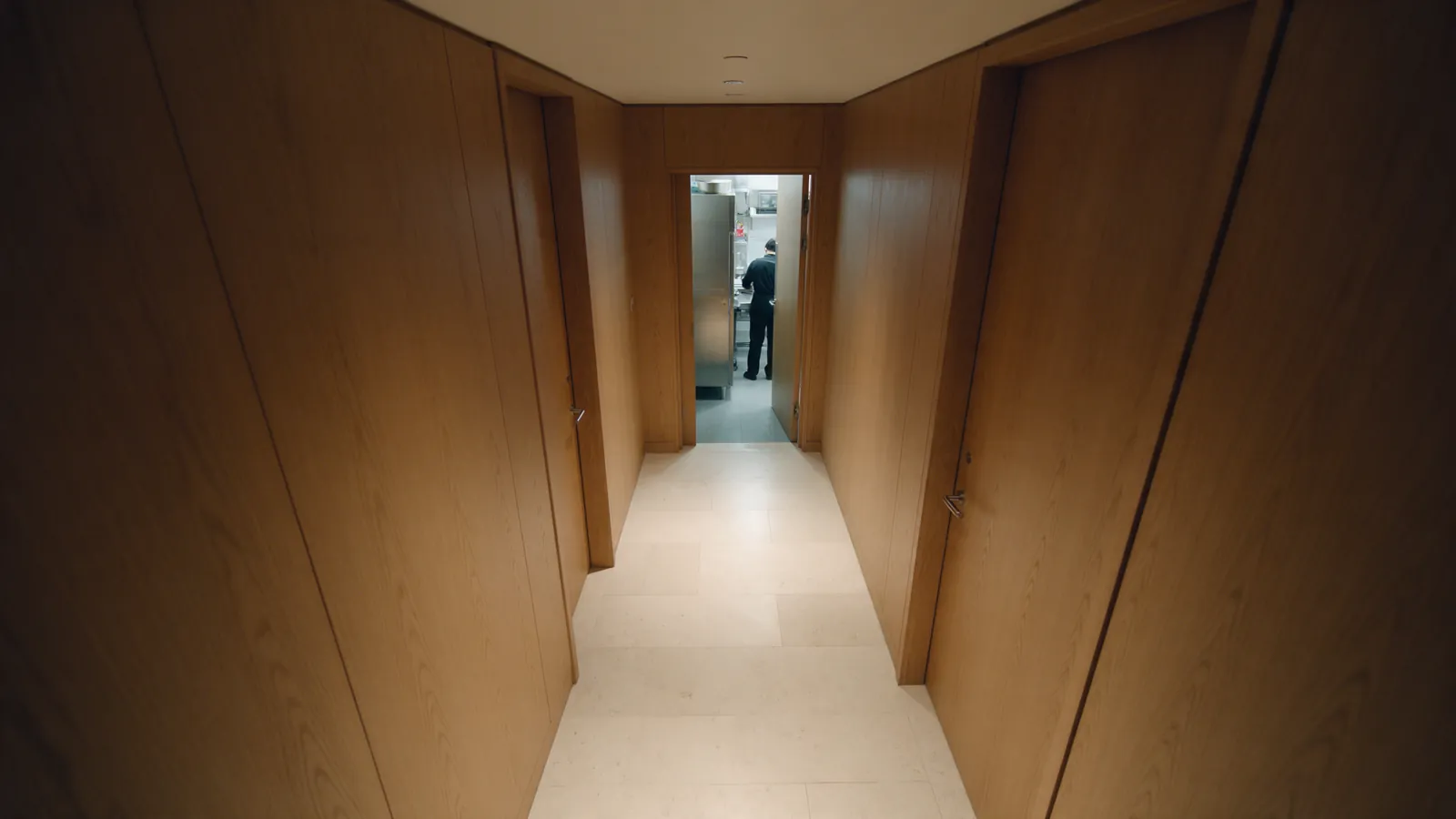
7 workflows
Illustrative hotel staff corridor with a distant person near a restricted doorway.ZONE ENTRY0.85
UC-SEC-001

Unauthorized presence

Flag possible presence in a staff-only or restricted zone outside its allowed schedule using zone/time rules and human verification, without face recognition.
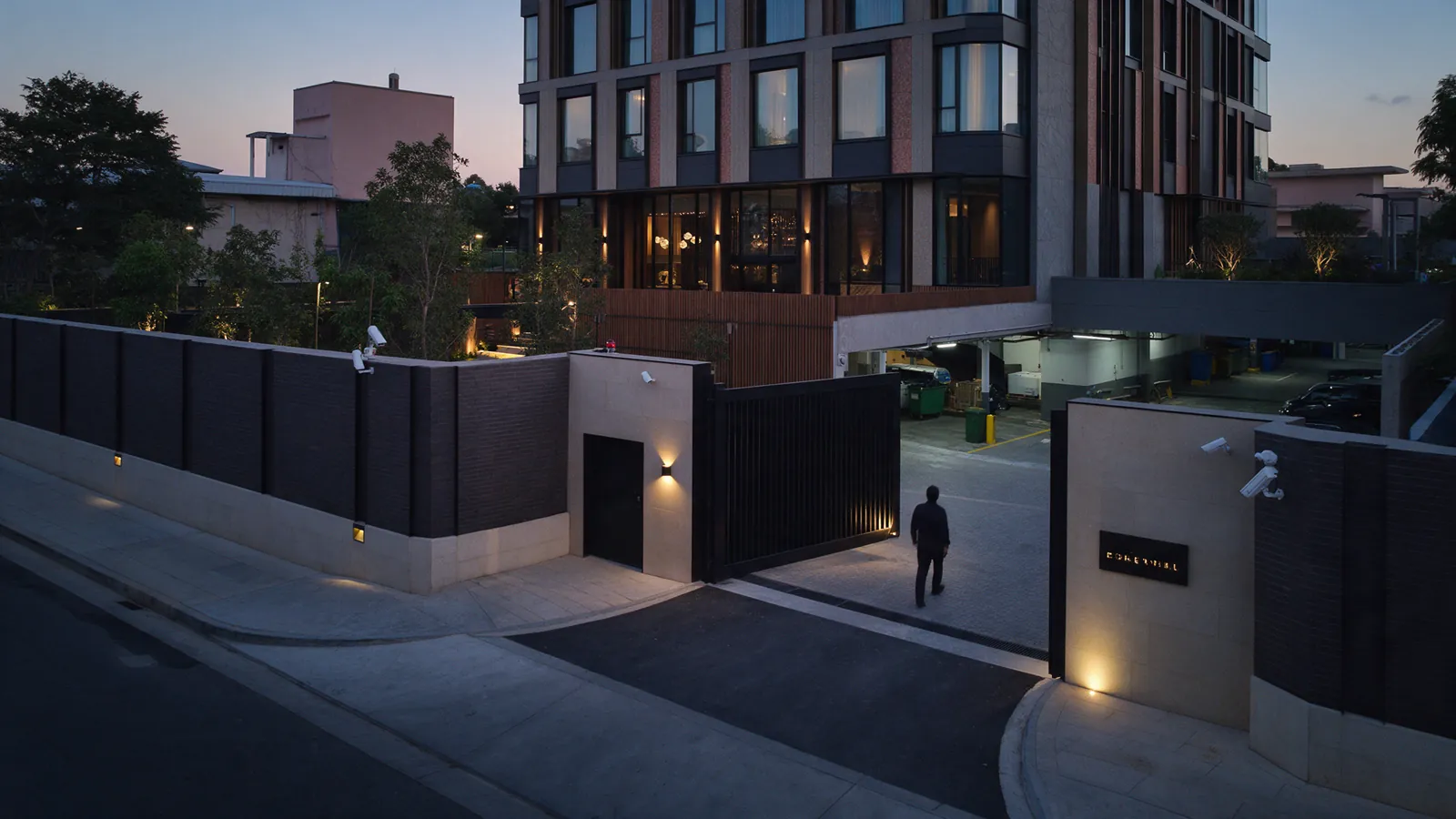
Illustrative hotel service perimeter with a distant person crossing an open gate at dusk.PERIMETER ENTRY0.82
UC-SEC-002

Perimeter intrusion

Monitor agreed service gates, rooftops or parking boundaries for possible entry events and route them to Security for review.
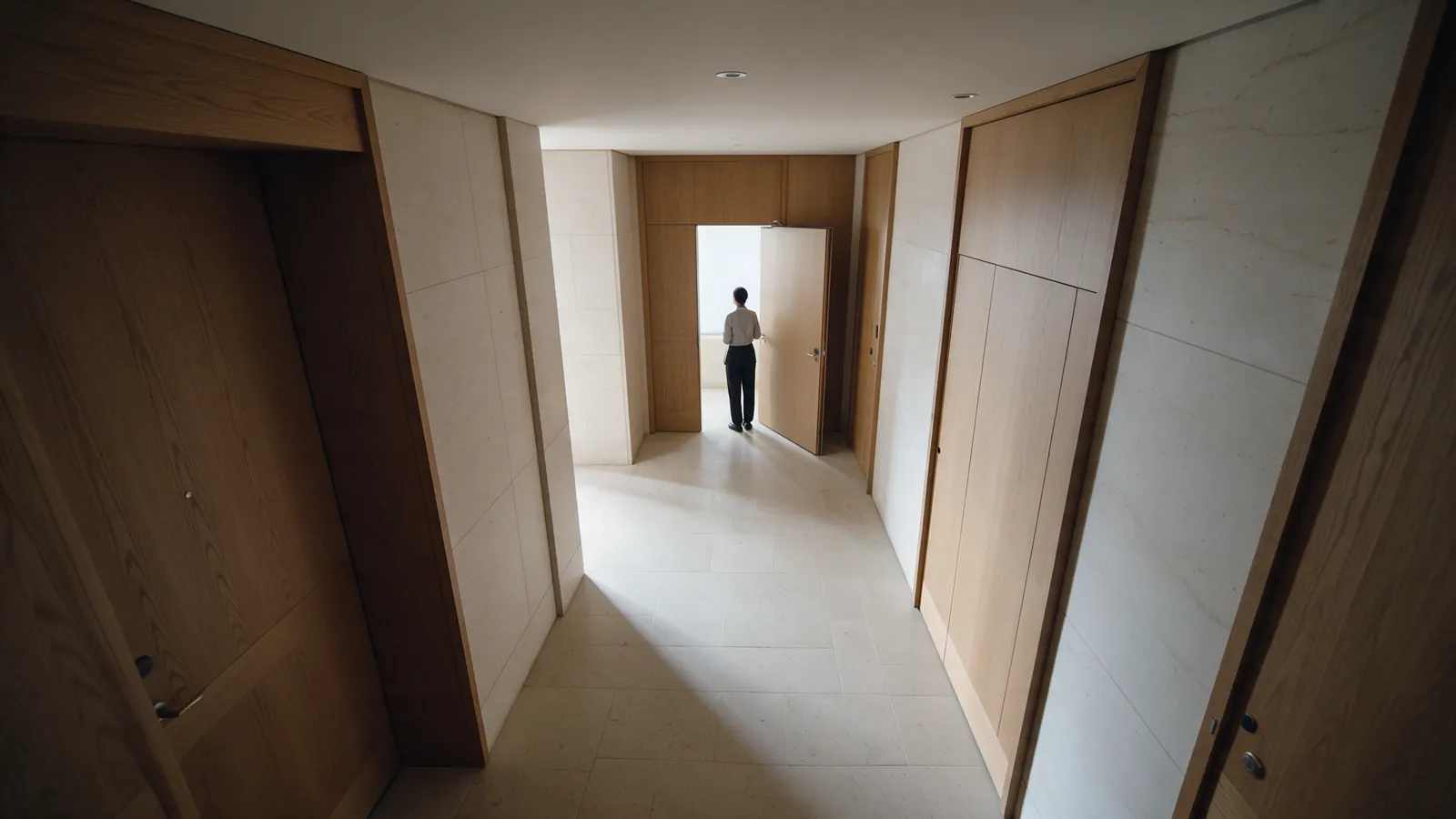
Illustrative hotel service entrance with a person waiting at a distance.LONG DWELL0.81
UC-SEC-003

Loitering / unusual dwell time

Surface unusually long dwell near an agreed entrance or restricted area for human assessment without automatically labeling behavior suspicious.
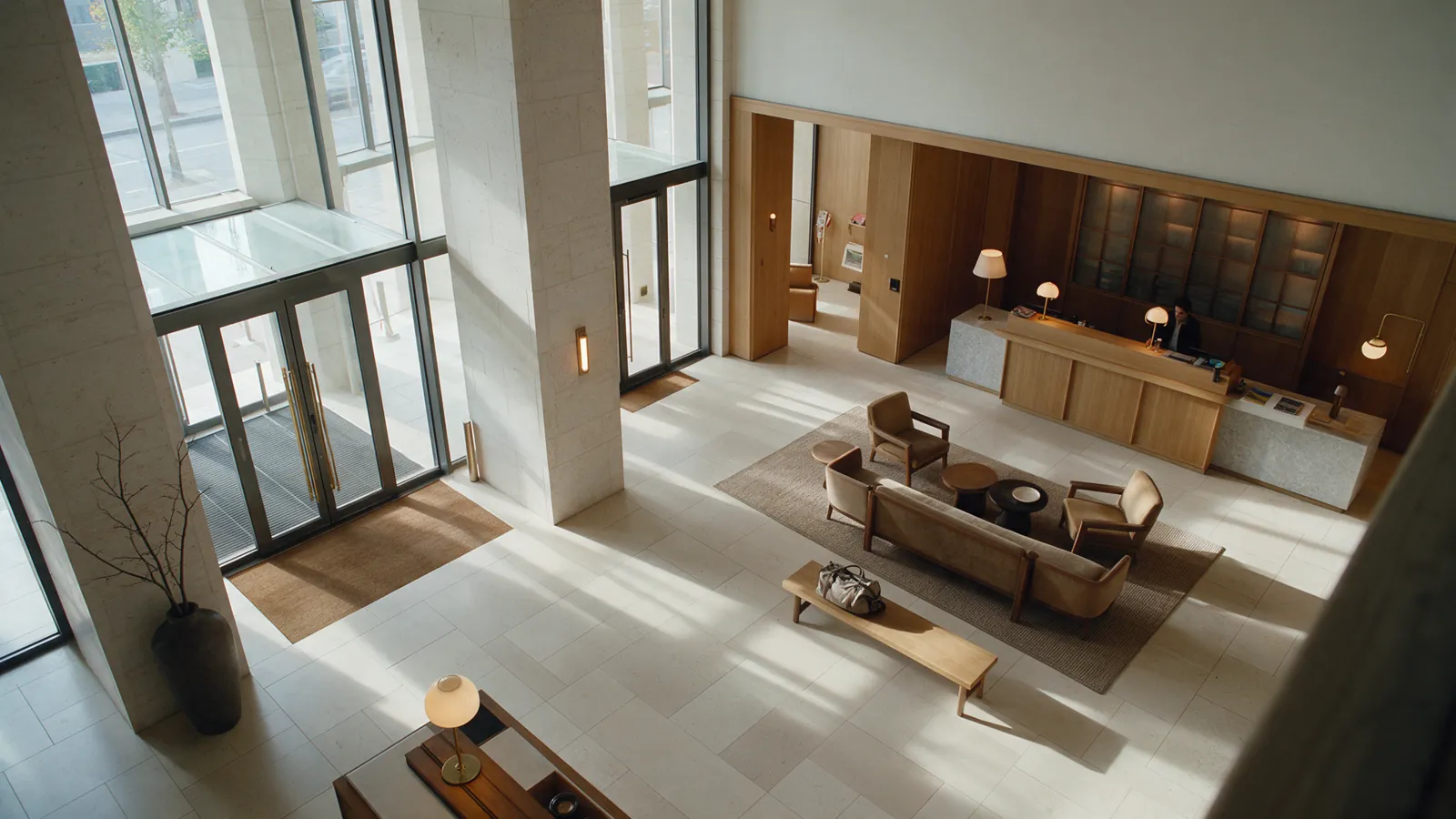
Illustrative unattended bag left on a hotel lobby bench.UNATTENDED ITEM0.94
UC-SEC-004

Abandoned object

Surface an unattended item in a public area for Security or the Manager on Duty to inspect and handle under the hotel’s procedure.
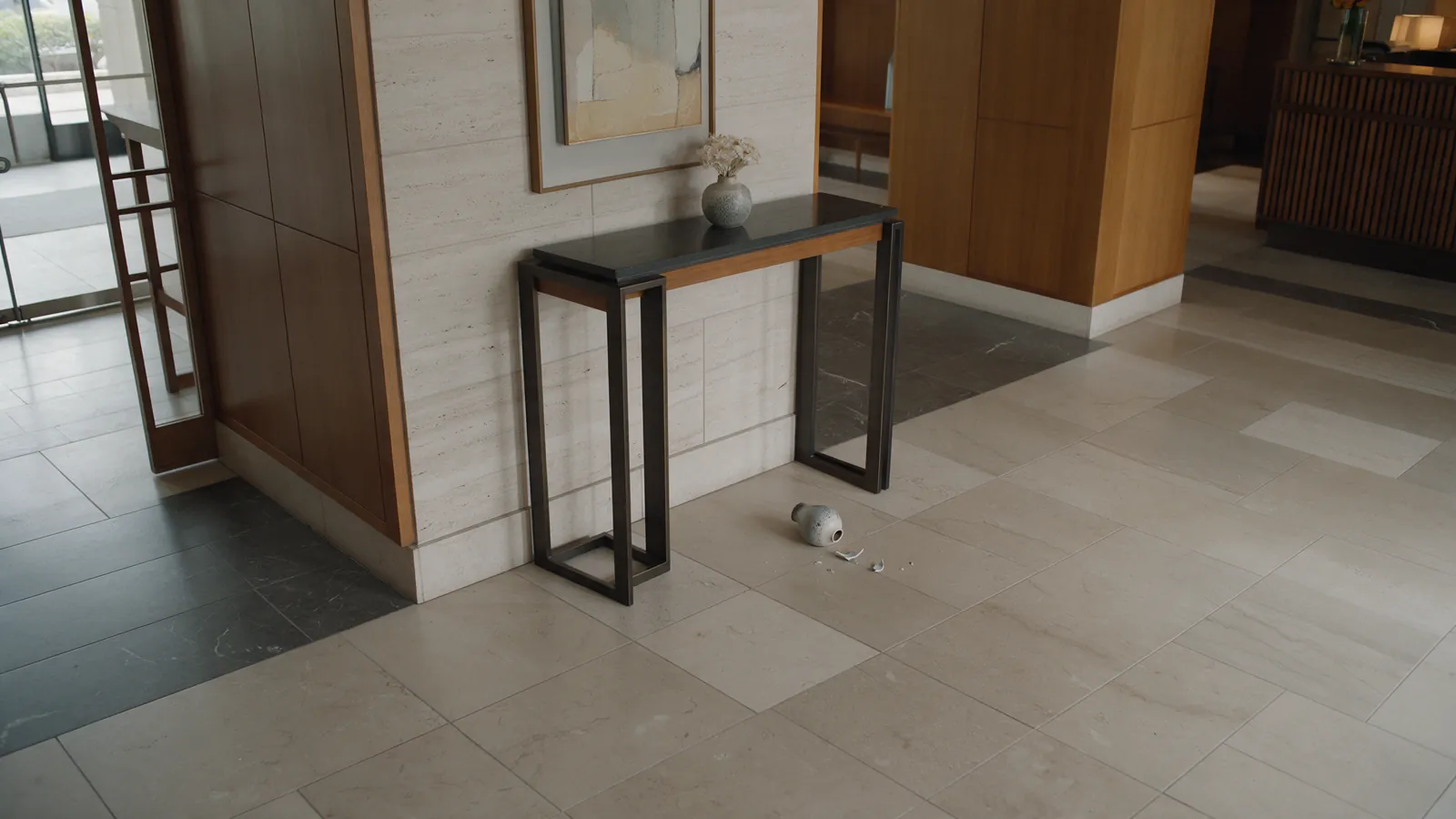
Illustrative minor property damage in a hotel lobby after the event.DAMAGE0.88
UC-SEC-005

Theft / damage investigation

Search authorized recordings by time, zone, object type or event sequence to support an investigation; this does not imply default face recognition or identity tracking.
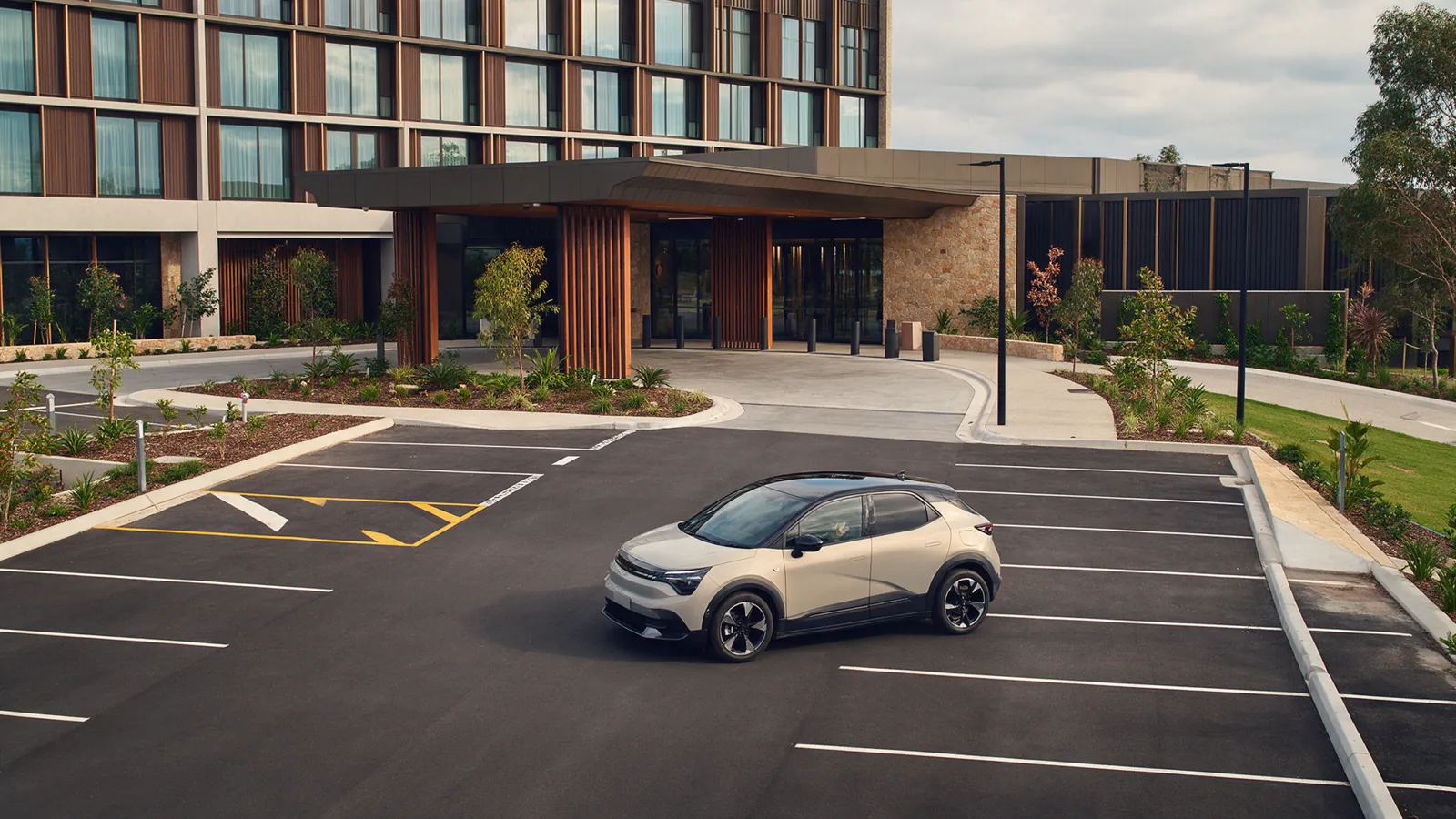
Illustrative car partially obstructing access in a hotel parking area, with no visible plate.VEHICLE0.95
UC-SEC-006

Vehicle / parking monitoring

Flag parking occupancy, blocked access or visible vehicle incidents. License-plate recognition and linked data require separate privacy and legal assessment.
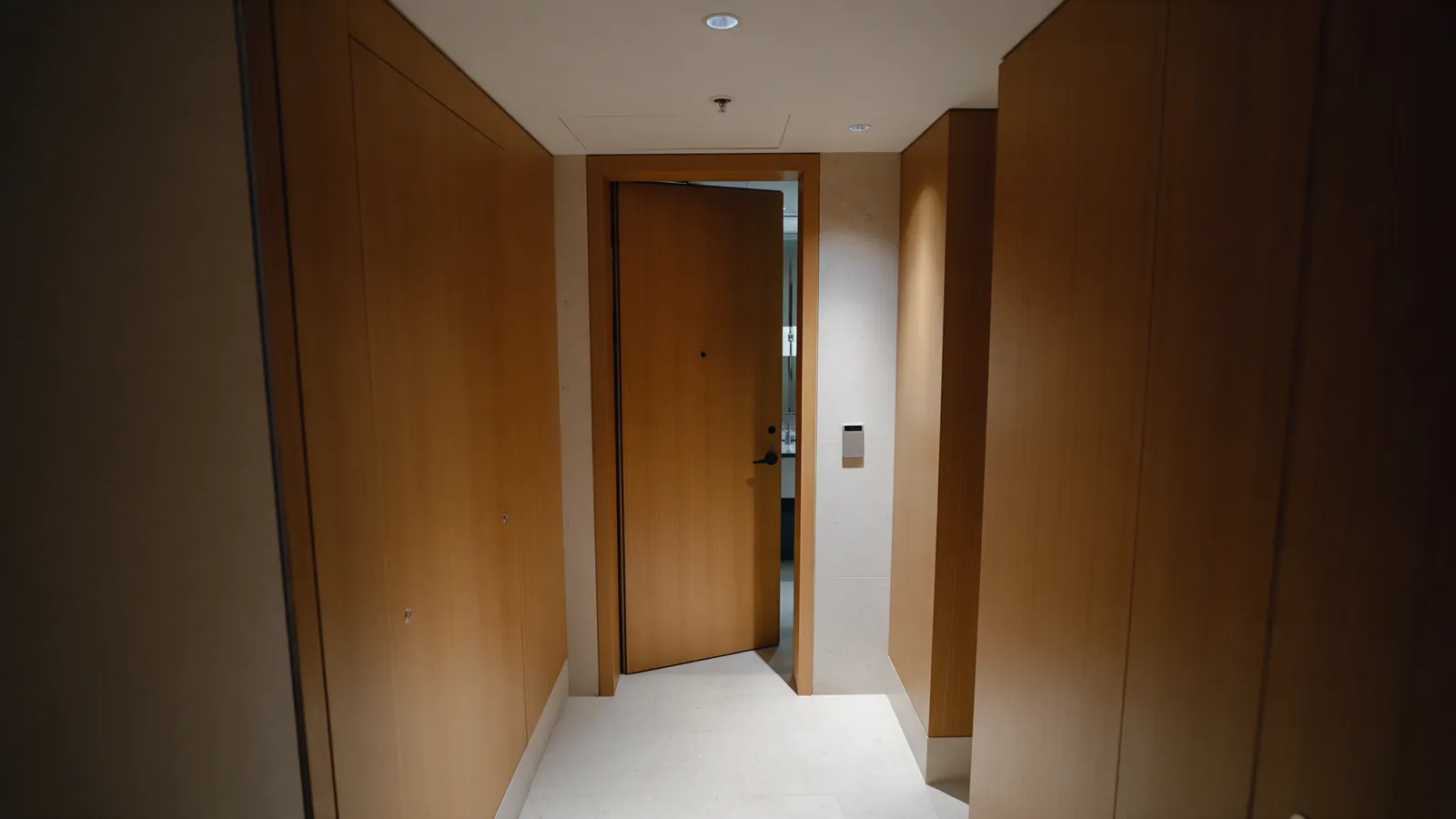
Illustrative hotel service corridor with a staff access door left ajar.DOOR AJAR0.78
UC-SEC-007

Door / access state violation

Compare a restricted-area door’s visible state with its expected schedule or access-control signal, then route a discrepancy to Security for review. It does not replace access control.

03

Cleanliness & housekeeping

Guest rooms remain outside the initial scope. Housekeeping workflows focus on selected public and service areas.
6 workflows
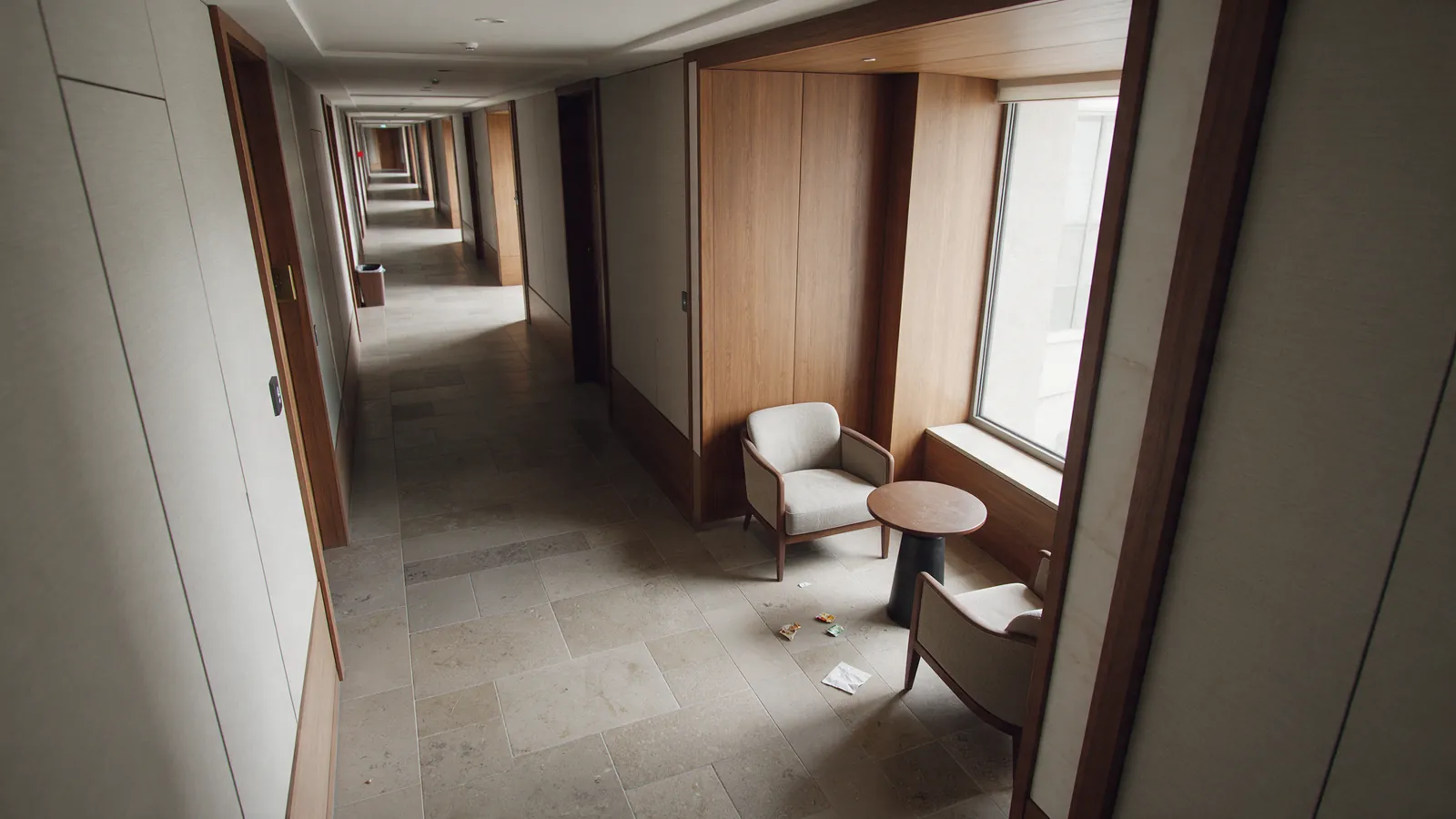
Illustrative hotel public corridor with litter on the floor.LITTER0.91
UC-CLN-001

Litter accumulation

Surface litter, left-behind items or a full waste bin in selected public areas and route a housekeeping follow-up.
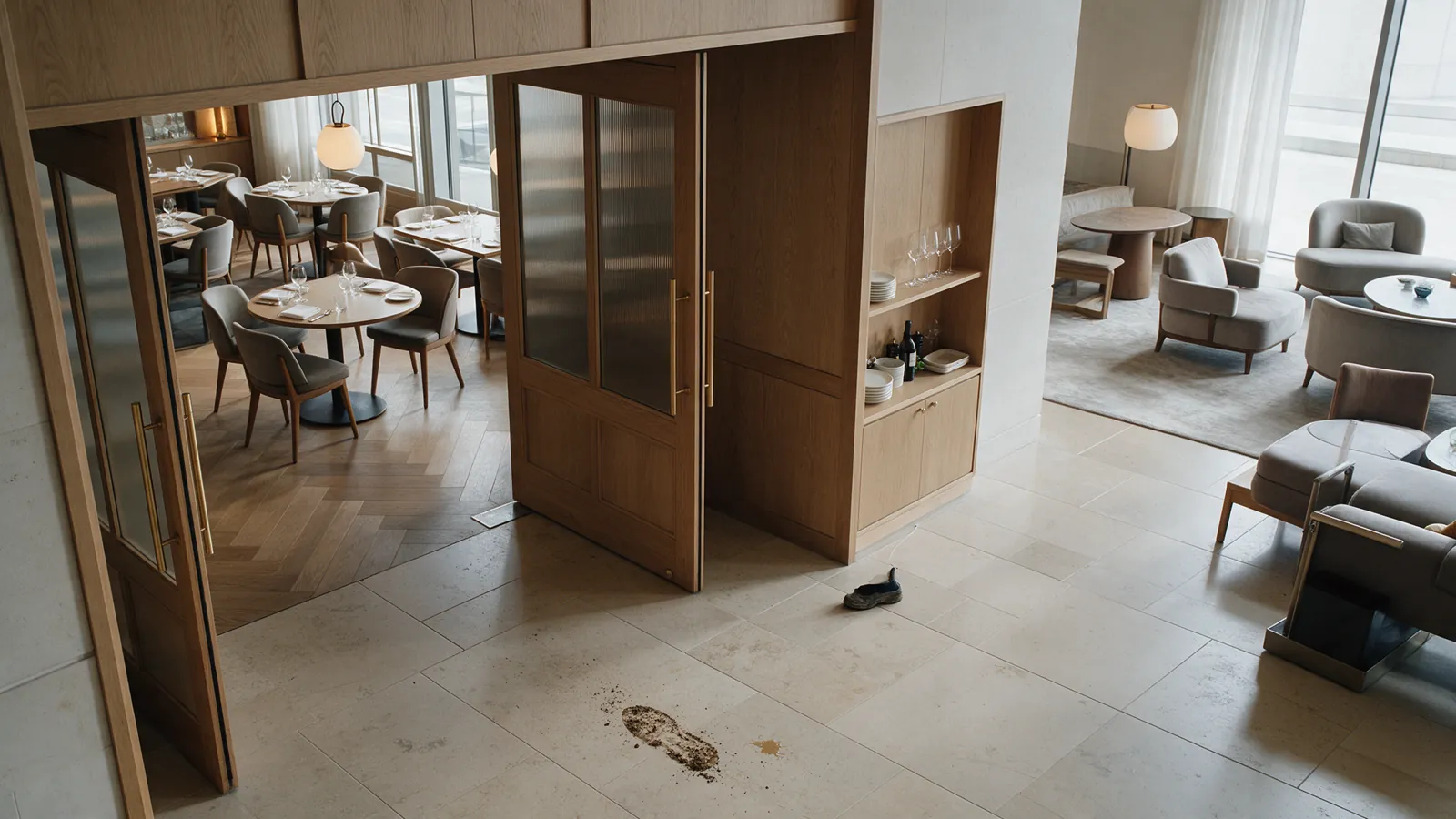
Illustrative hotel lounge floor with visible dirt marks.FLOOR STAIN0.84
UC-CLN-002

Dirty public area

Flag visible stains, soiling or an unready public area for the responsible shift to inspect and close out.
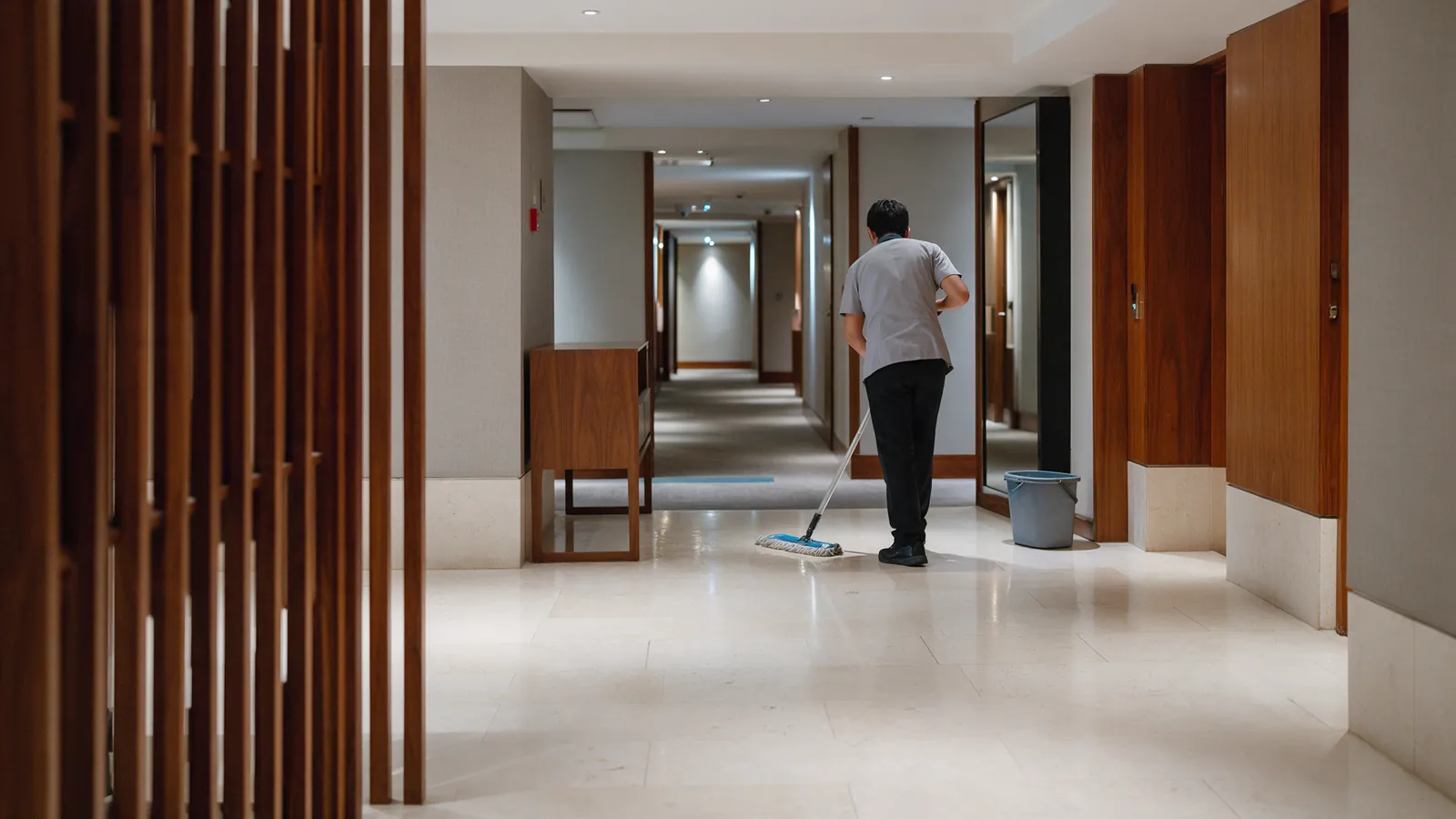
Illustrative hotel housekeeper finishing a cleaning pass, seen from behind.
UC-CLN-003

Cleaning verification

Explore confirming visible signs that a selected area was cleaned, alongside staff confirmation; no employee scoring without an approved policy.
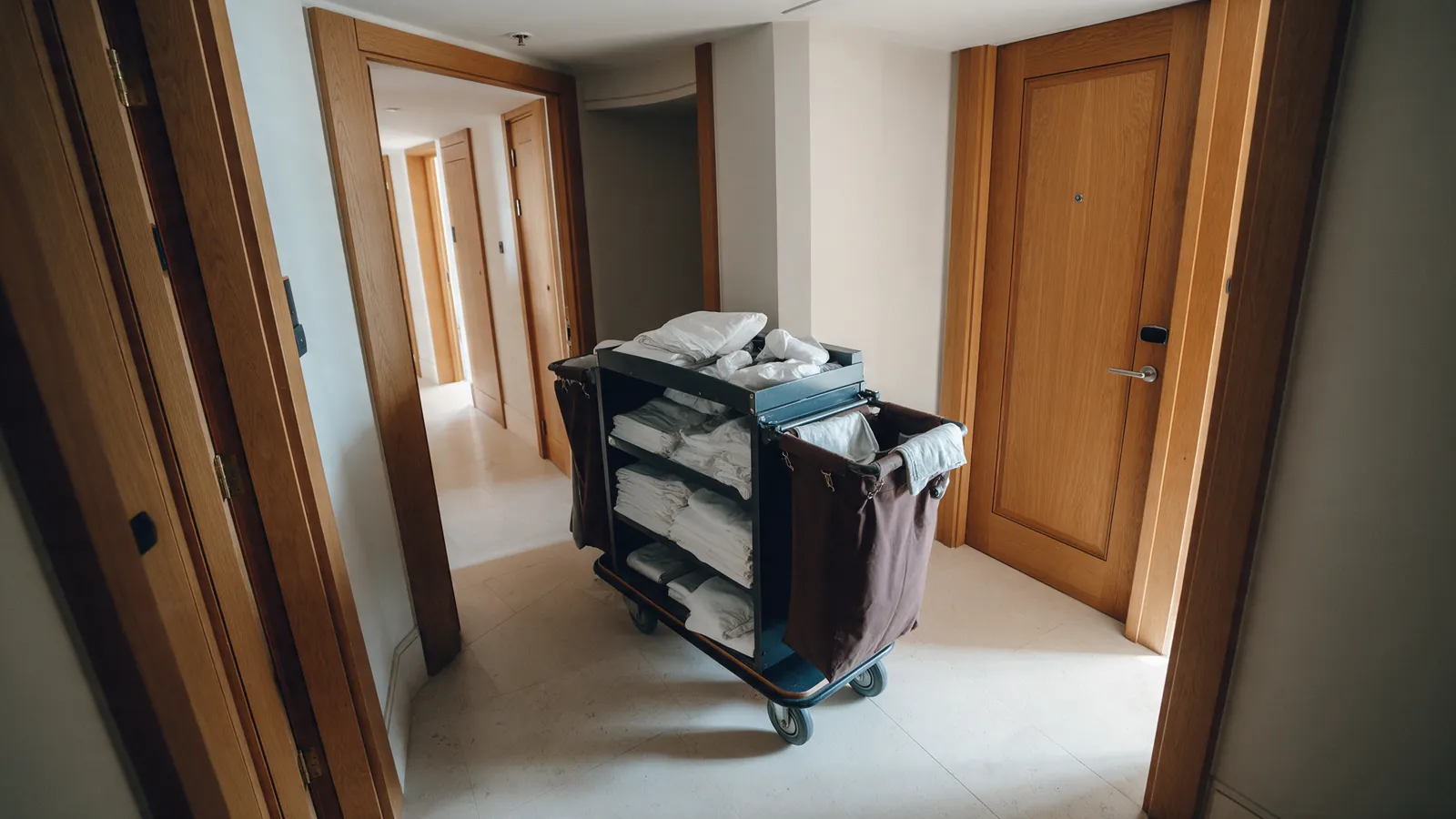
Illustrative hotel corridor with a cart and folded linen partly blocking the path.CART / LINEN0.91
UC-CLN-004

Housekeeping cart / object placement

Flag housekeeping carts, linen or supplies left in shared passages and route a housekeeping task to return them to an approved staging area.
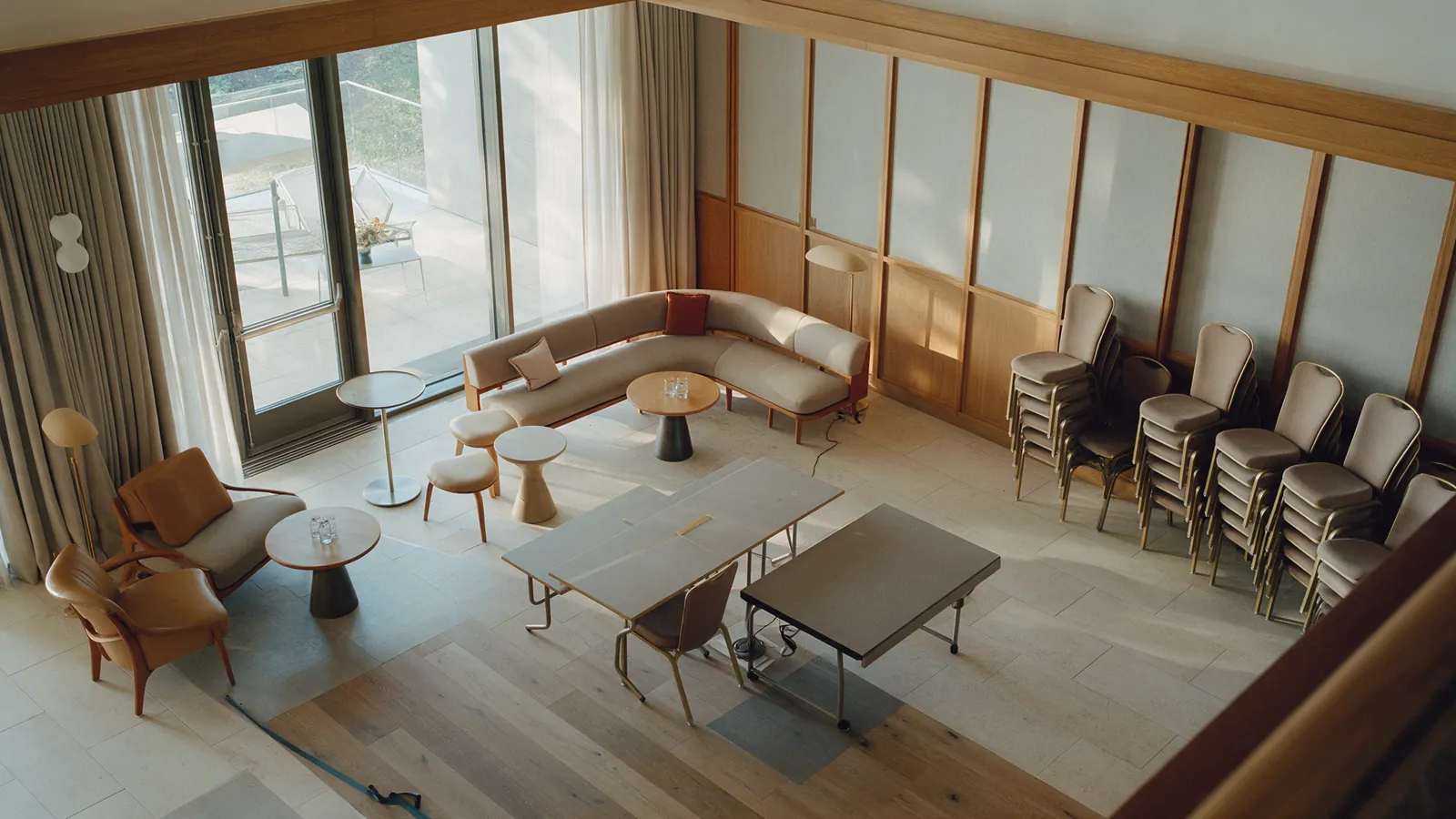
Illustrative hotel meeting lounge temporarily being reset and unavailable.
UC-CLN-006

Public-area availability

Estimate whether selected lounges, gyms, pools or meeting rooms are open, ready, temporarily closed or over capacity.
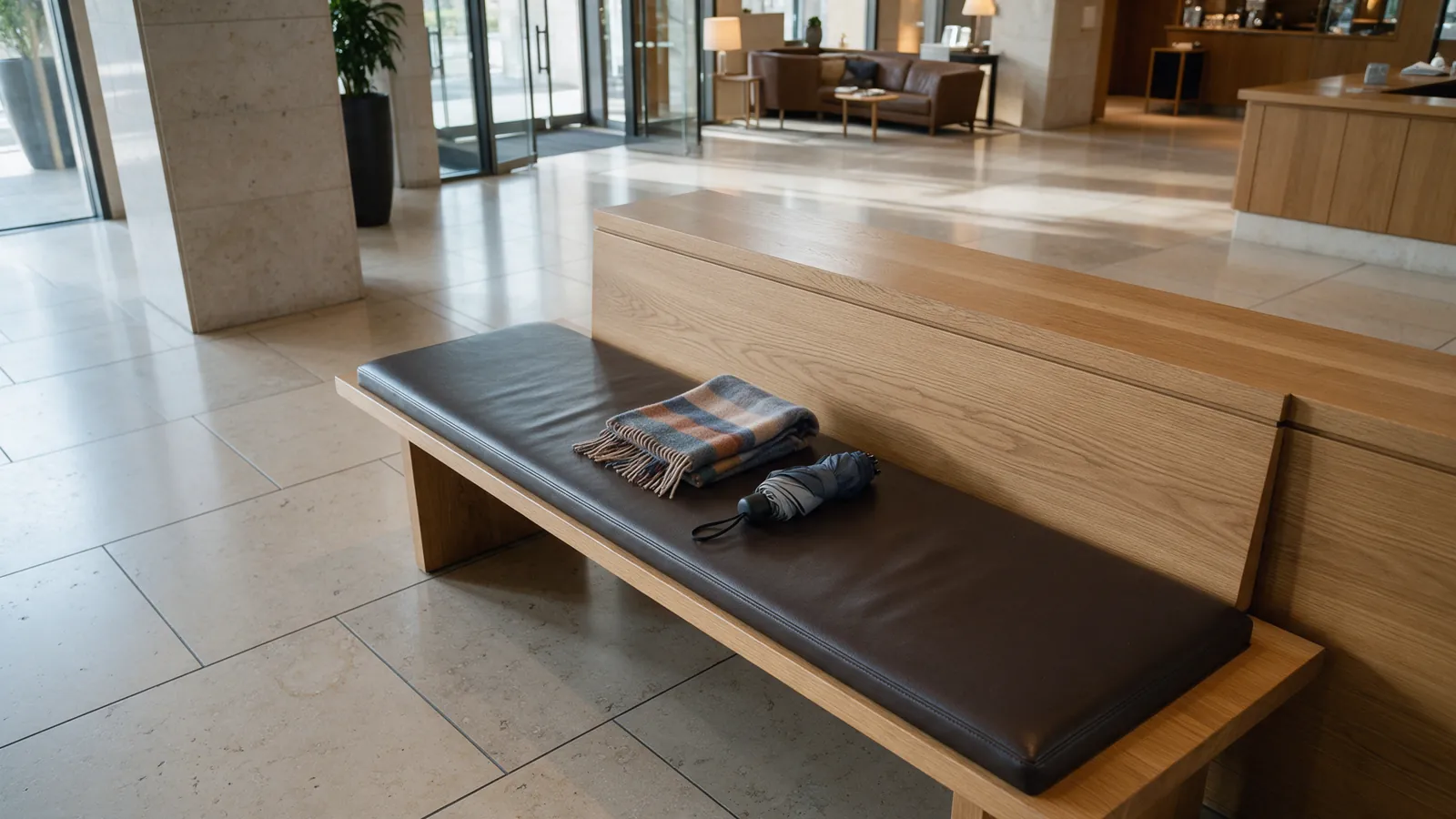
Illustrative scarf and umbrella left on a hotel lobby bench.LEFT ITEM0.89
UC-CLN-007

Lost property handover

Route a possible left-behind item through human inspection, assignment to the responsible team and a documented lost-and-found handover.

04

Guest experience & hotel operations

Occupancy and movement ideas use aggregate metrics, without identity tracking or hidden guest profiling.
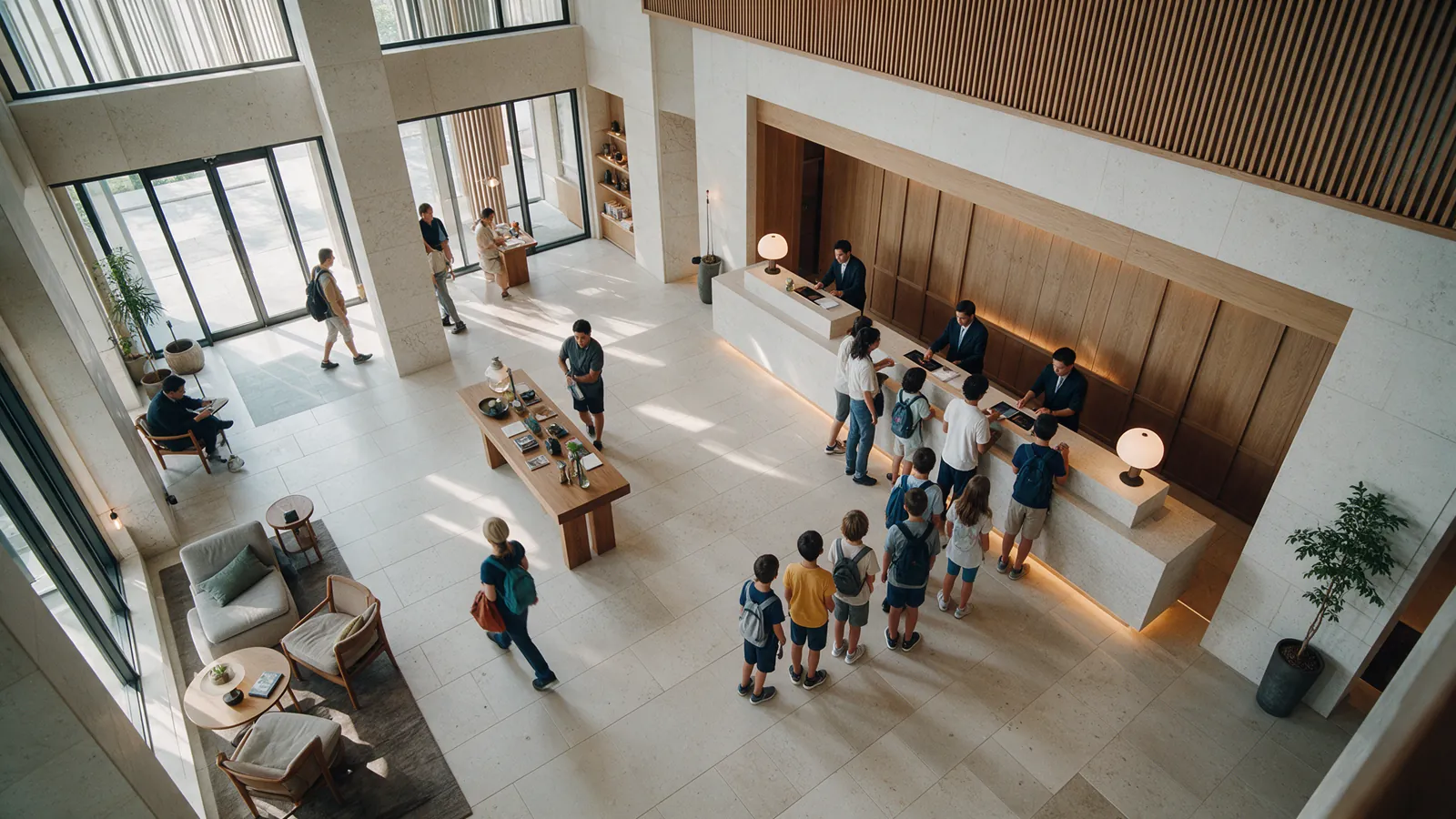
8 workflows
Illustrative orderly check-in queue at a hotel reception, seen from behind.QUEUE0.90
UC-OPS-001

Queue detection

Surface a growing queue at reception, a restaurant, lifts or an event area so a manager can assess the response.
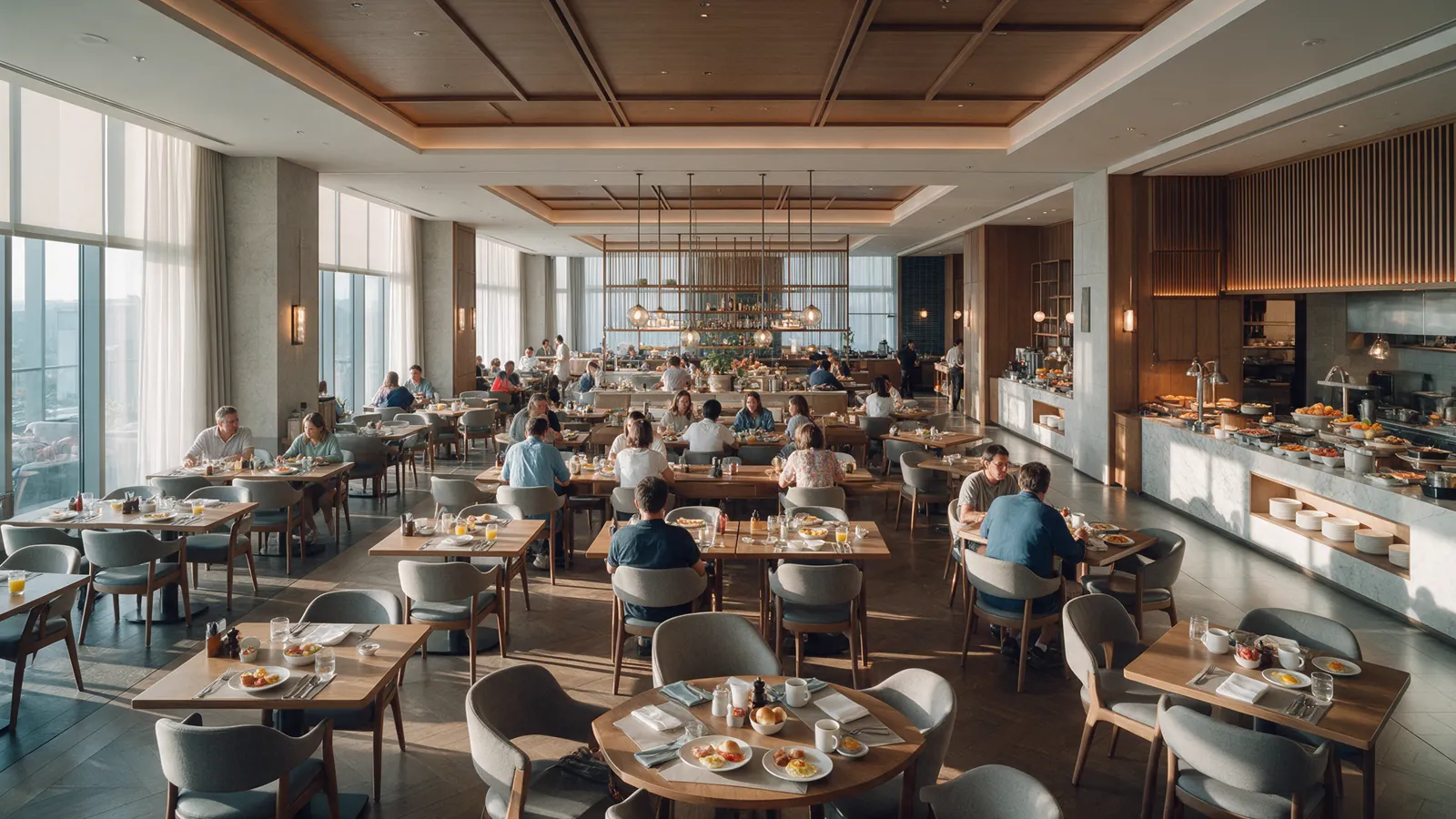
Illustrative hotel restaurant showing aggregate occupancy from a high angle.OCCUPANCY0.88
UC-OPS-002

People counting / occupancy

Estimate aggregate occupancy in approved areas without identifying or tracking individuals.
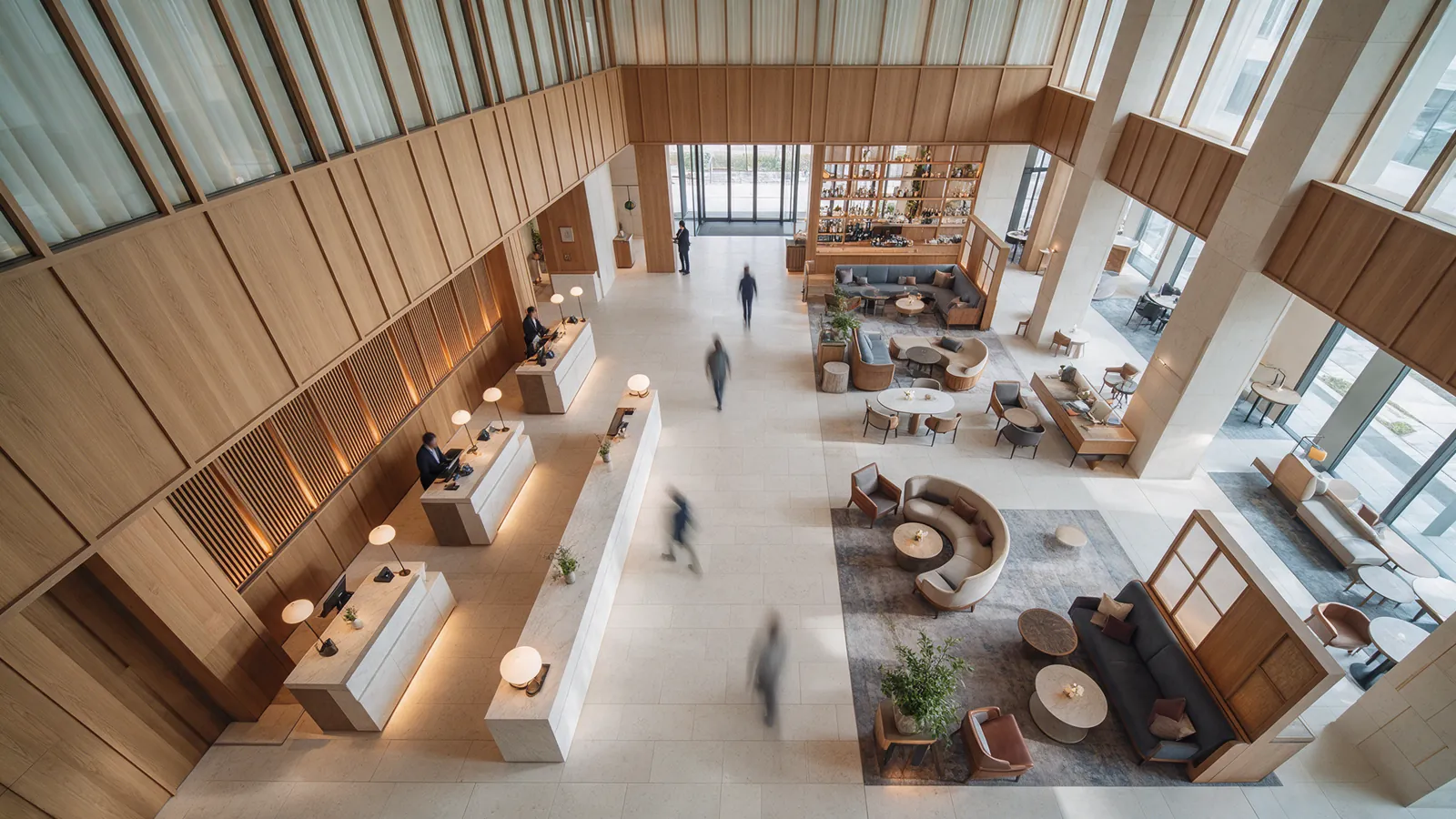
Illustrative distant hotel guests moving through a lobby with no visible faces.FLOW ZONE0.87
UC-OPS-003

Traffic flow / dwell time

Analyze aggregate movement and dwell time to identify bottlenecks or placement issues, without hidden guest profiling.
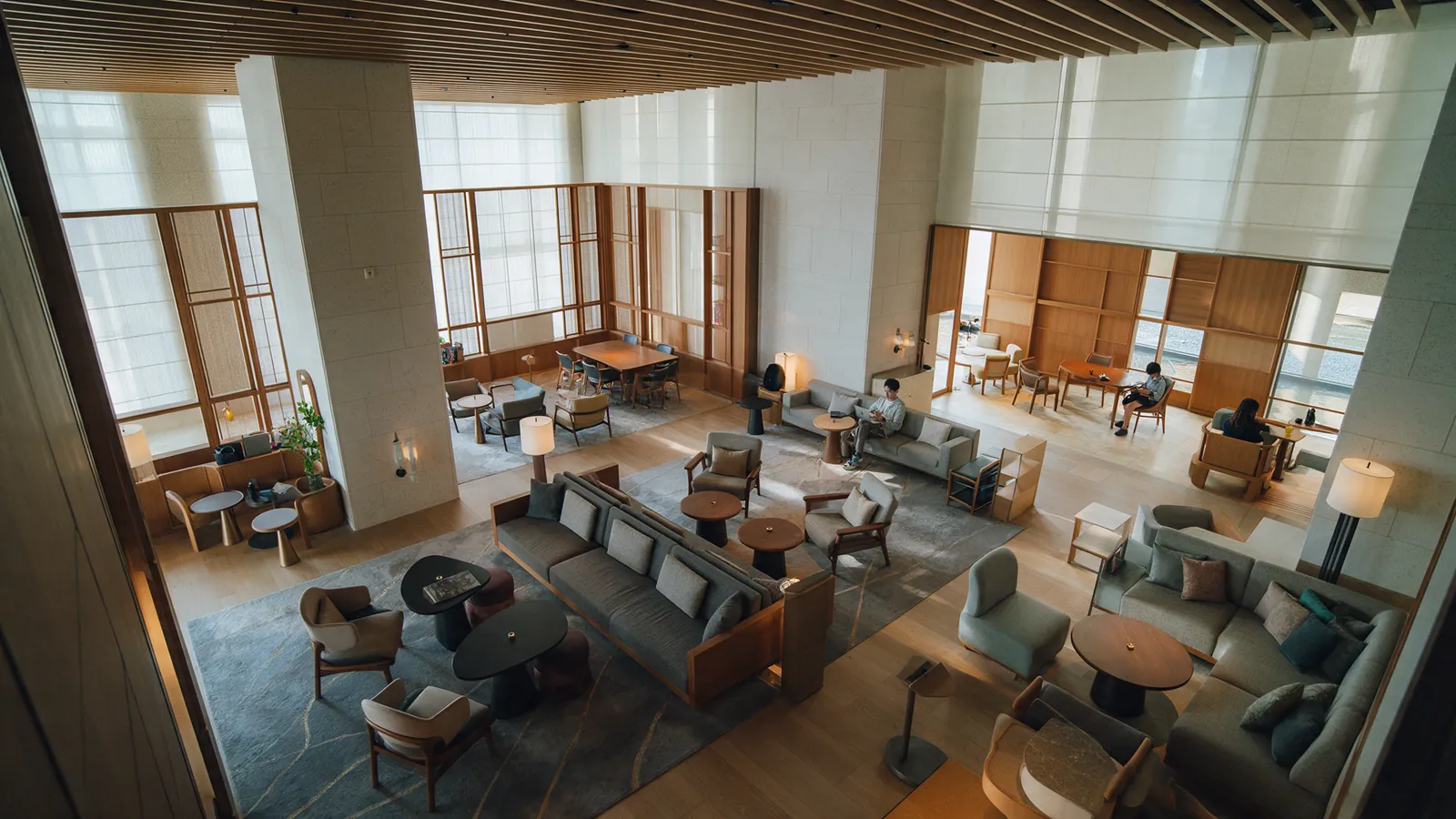
Illustrative hotel lounge showing its seating layout and open walking space.SEATING ZONE0.89
UC-OPS-004

Space utilization

Understand how restaurants, bars, lounges, meeting rooms, gyms or pools are used to inform planning and scheduling.
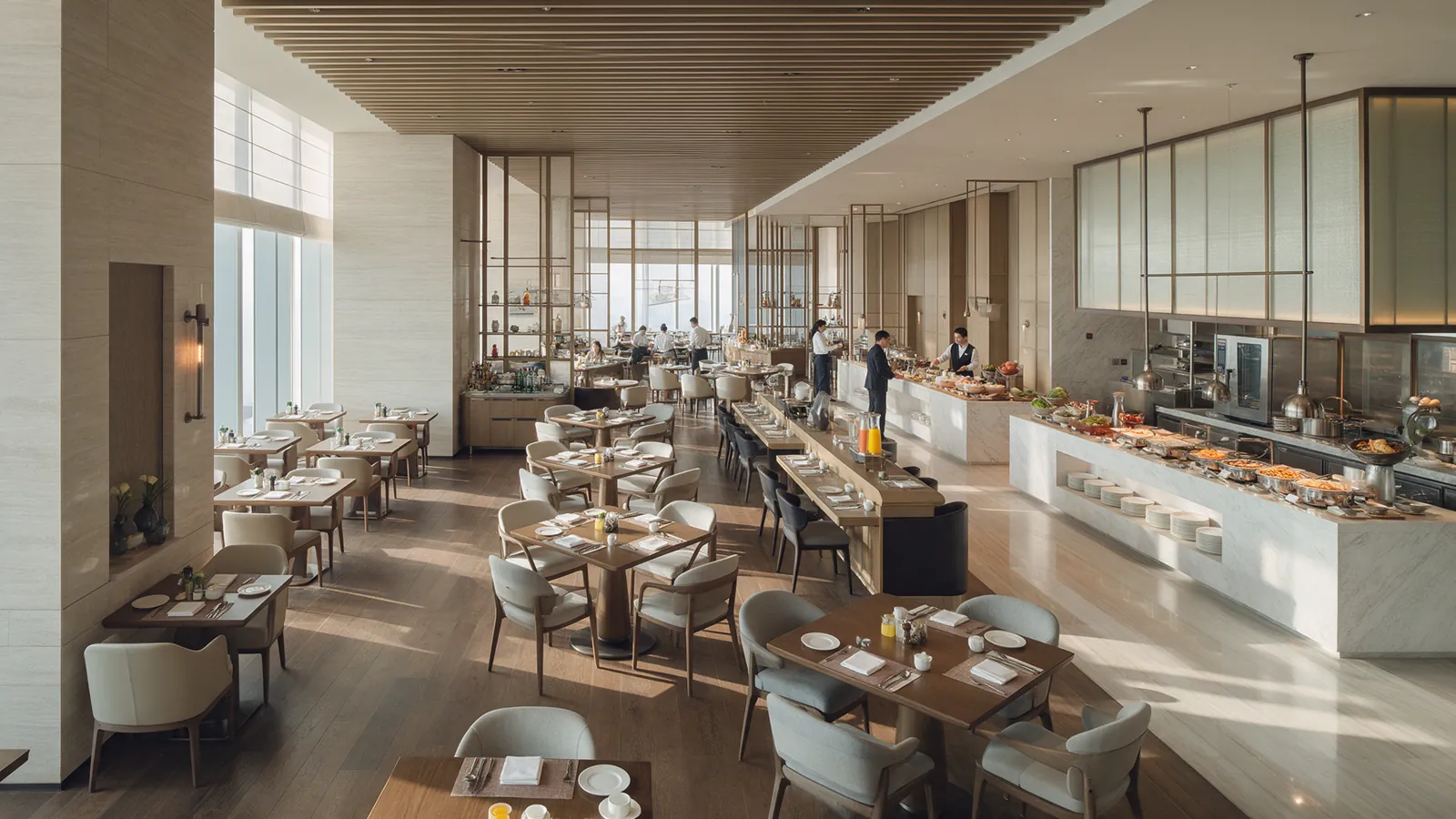
Illustrative hotel restaurant and service team during a quiet breakfast period.
UC-OPS-005

Staffing optimization

Combine aggregate occupancy, queue and service patterns with shift schedules to suggest staffing changes; management makes the final decision.
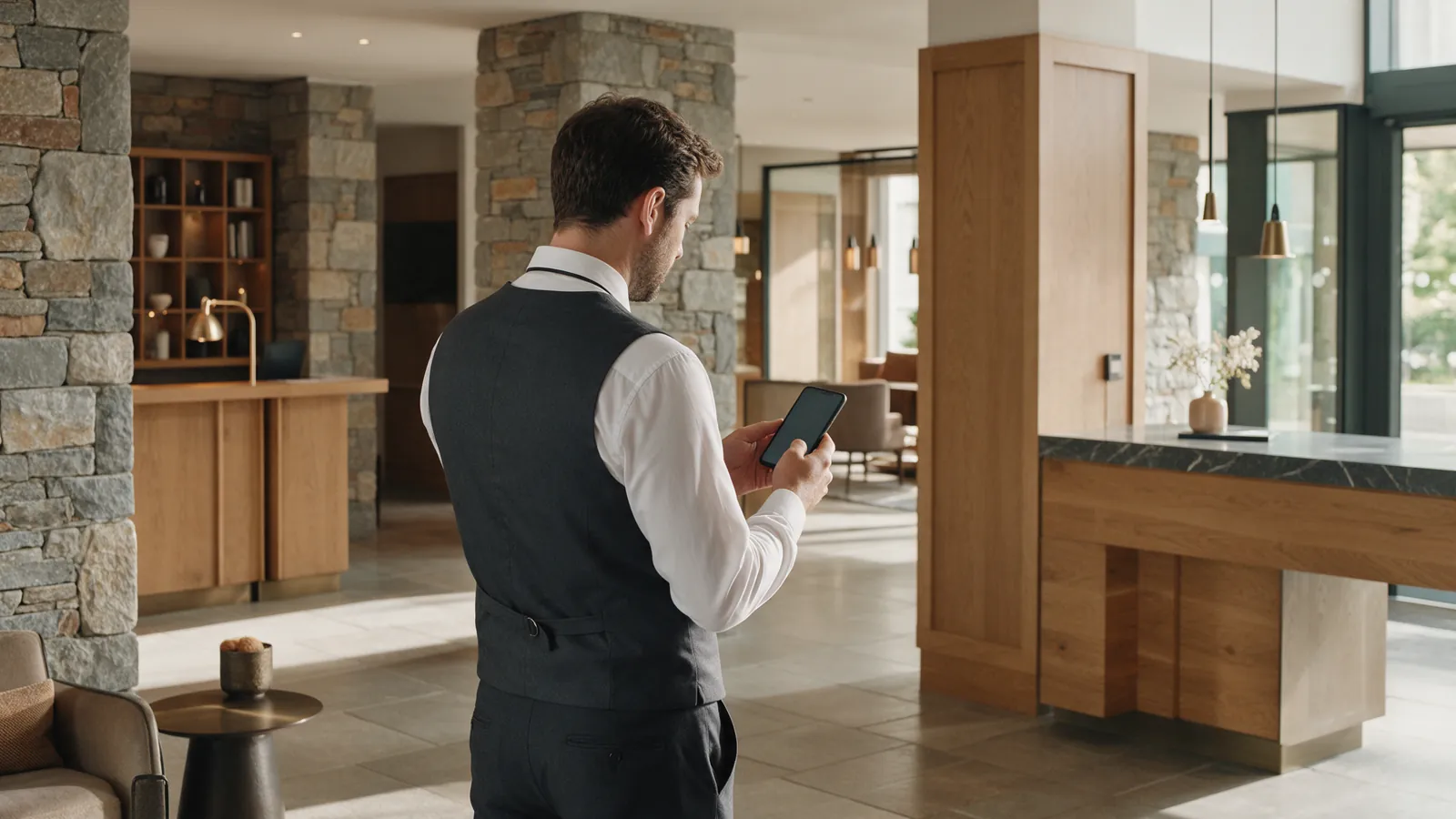
Illustrative duty manager checking a phone after a hotel task; screen unreadable.
UC-OPS-006

Visual event → operational ticket

Turn an approved visual event into a task with zone, priority, responsible group, status/SLA and evidence; a reusable workflow, not a separate detection class.
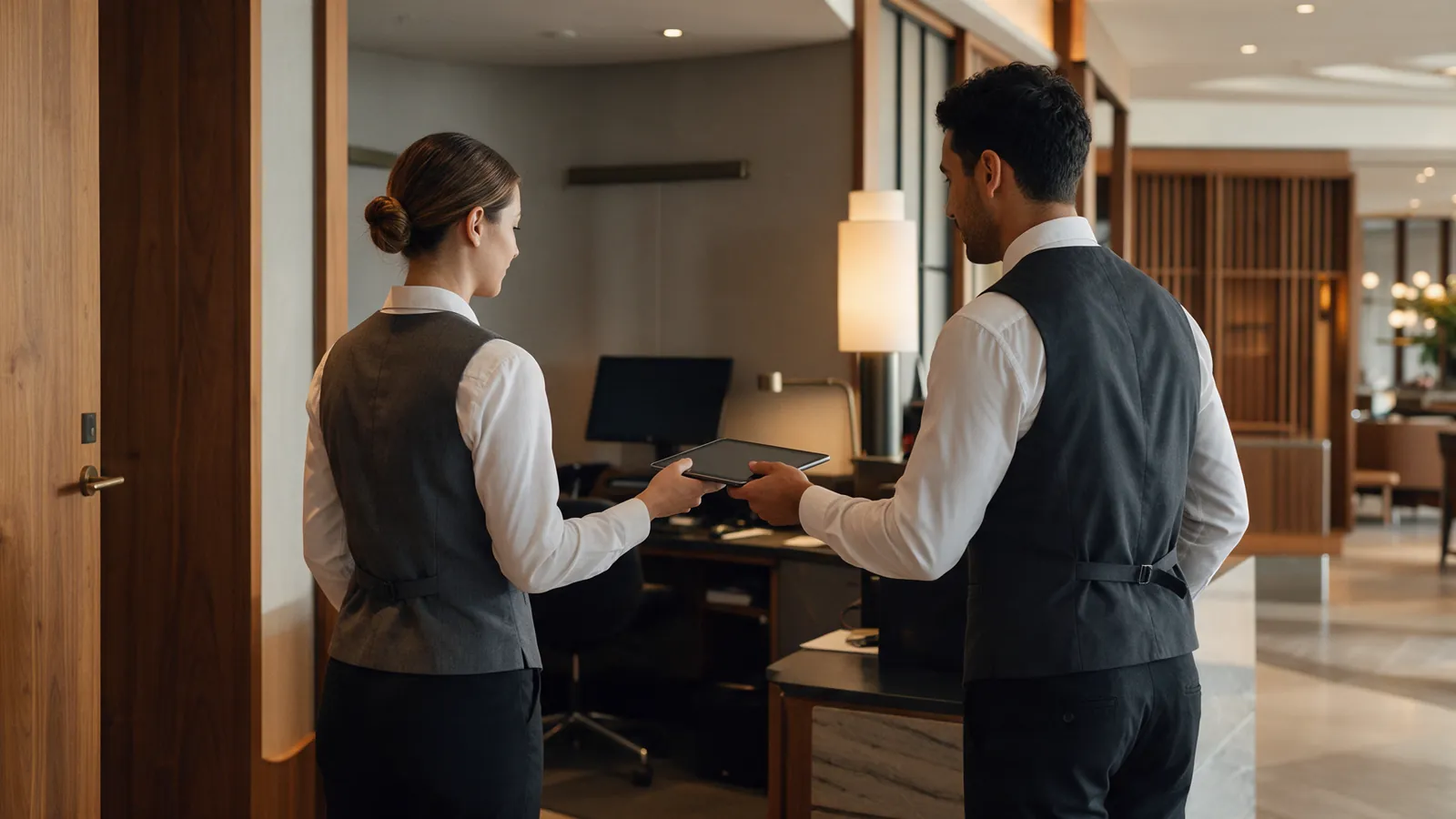
Illustrative hotel operations staff handing over a tablet between shifts, viewed from behind.
UC-OPS-007

Shift handover

Give the next shift a view of open incidents, escalations, recurring issues and unfinished tasks so responsibility is clear.
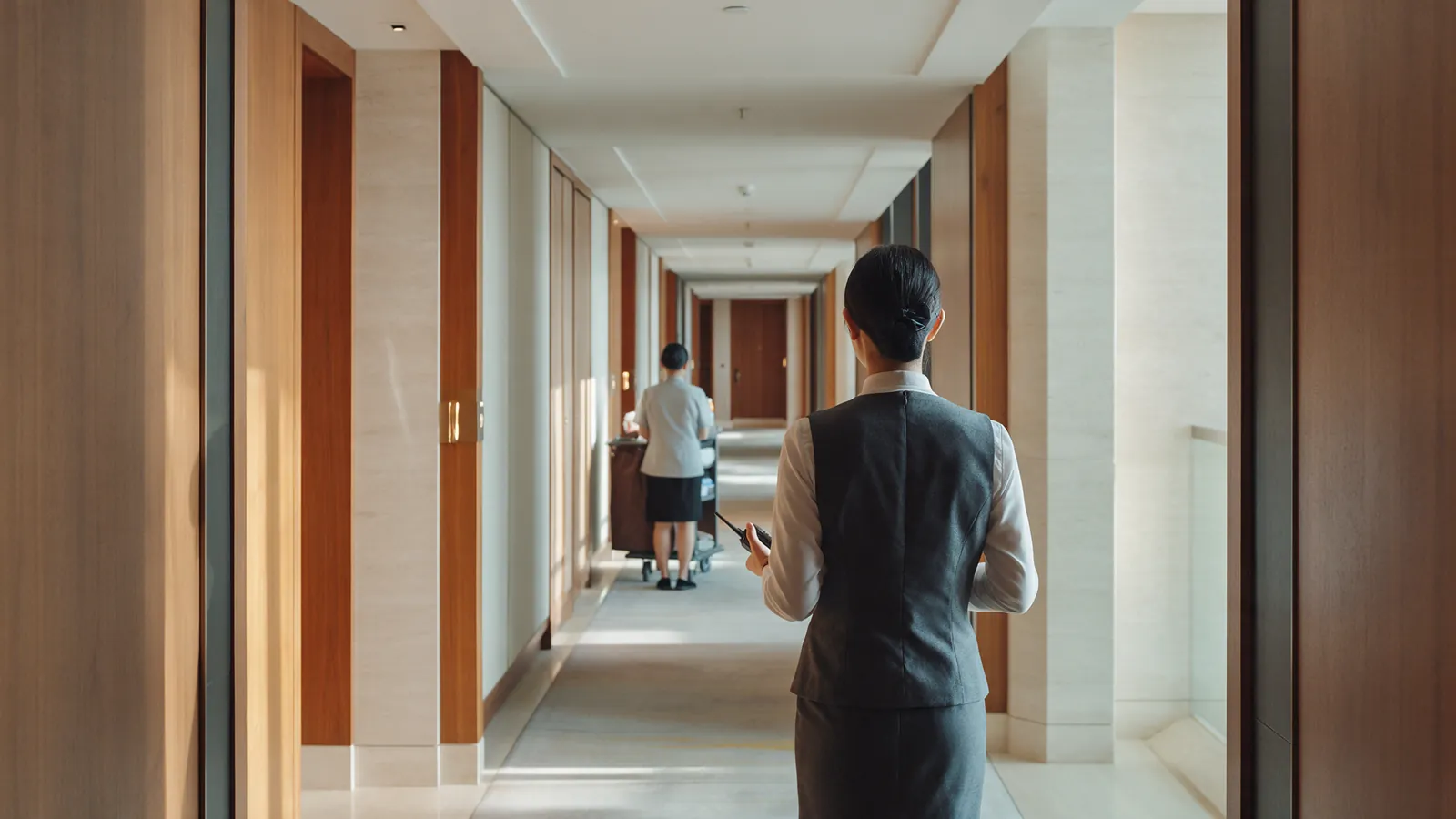
Illustrative hotel manager coordinating a housekeeping response by radio.
UC-OPS-008

Service response coordination

Route a guest-facing request or visual event across Housekeeping, Facilities, Front Office or Security and track it to resolution.

05

Facilities & maintenance

Visual checks can complement facilities systems; hidden conditions and BMS-linked cases need sensors or integrations.
8 workflows
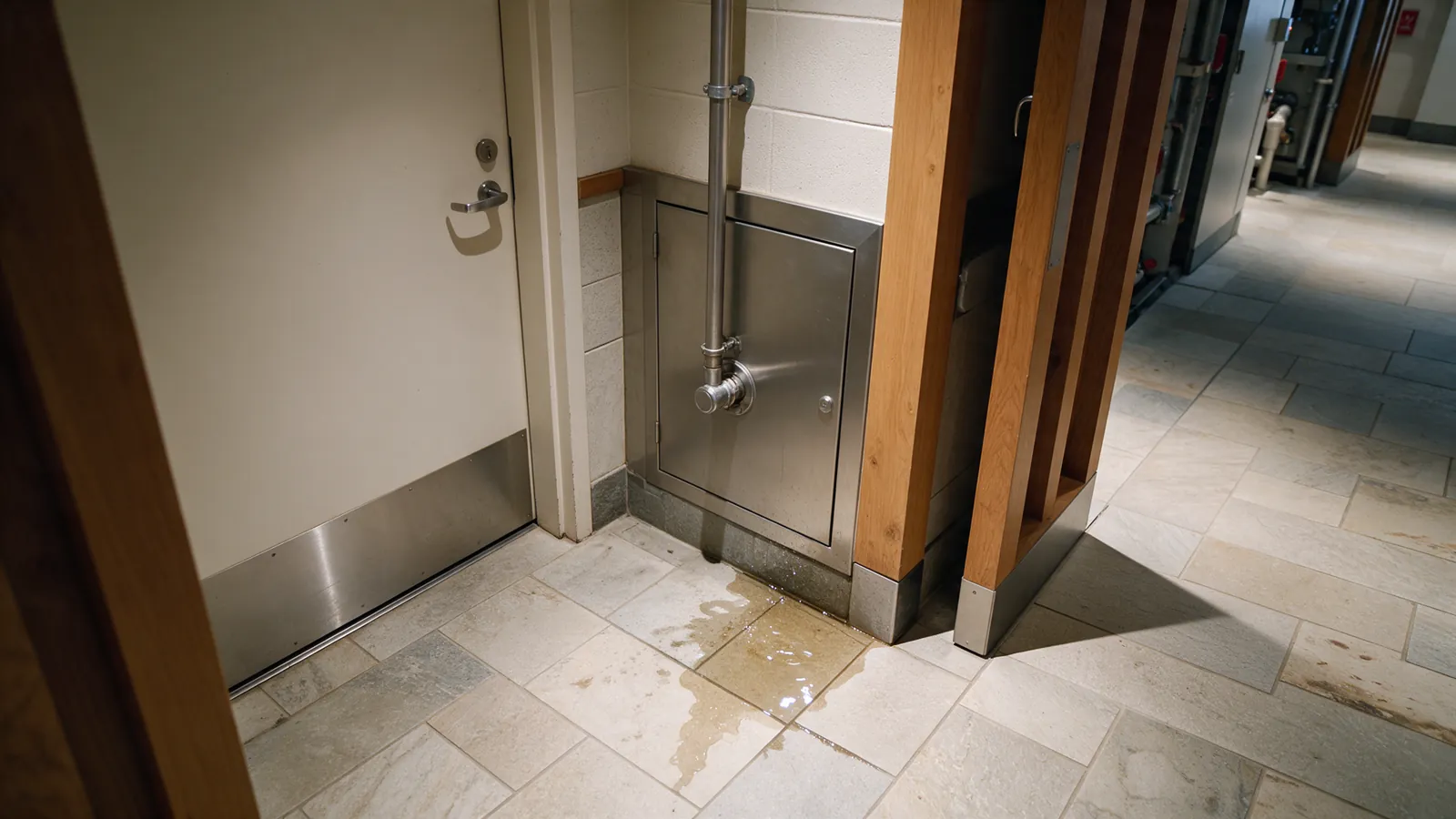
Illustrative small water leak near a hotel service-room access panel.WATER LEAK0.86
UC-FAC-001

Water leak / visible moisture

Surface visible water near an engineering area, pool or pipe access point and route a Facilities follow-up; hidden leaks need other sensors.
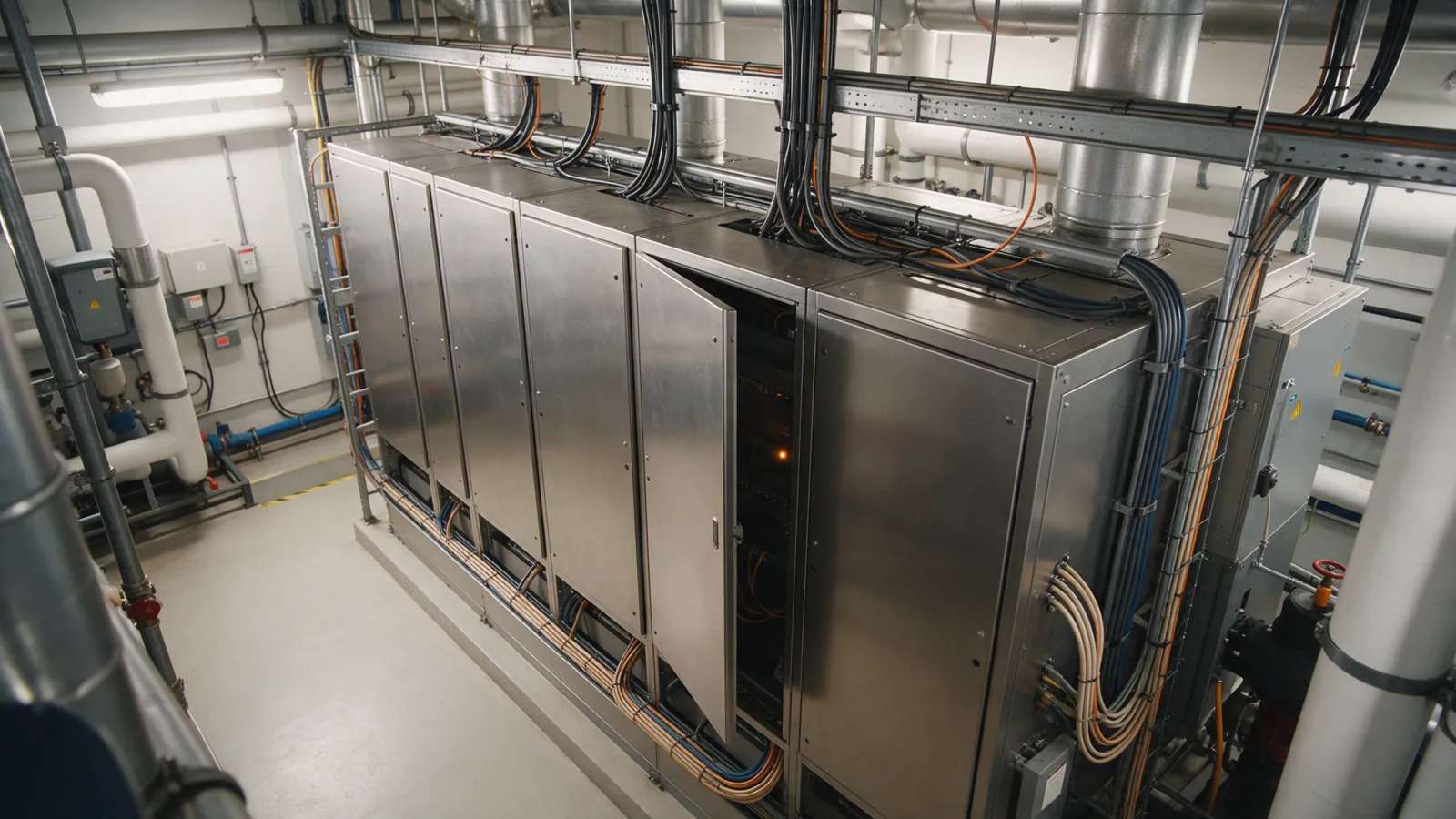
Illustrative hotel plant room with an open equipment panel.OPEN PANEL0.93
UC-FAC-002

Equipment visual anomaly

Flag visible signs such as an open panel, damaged equipment or unusual indicator for Facilities review; it complements telemetry and preventive maintenance.
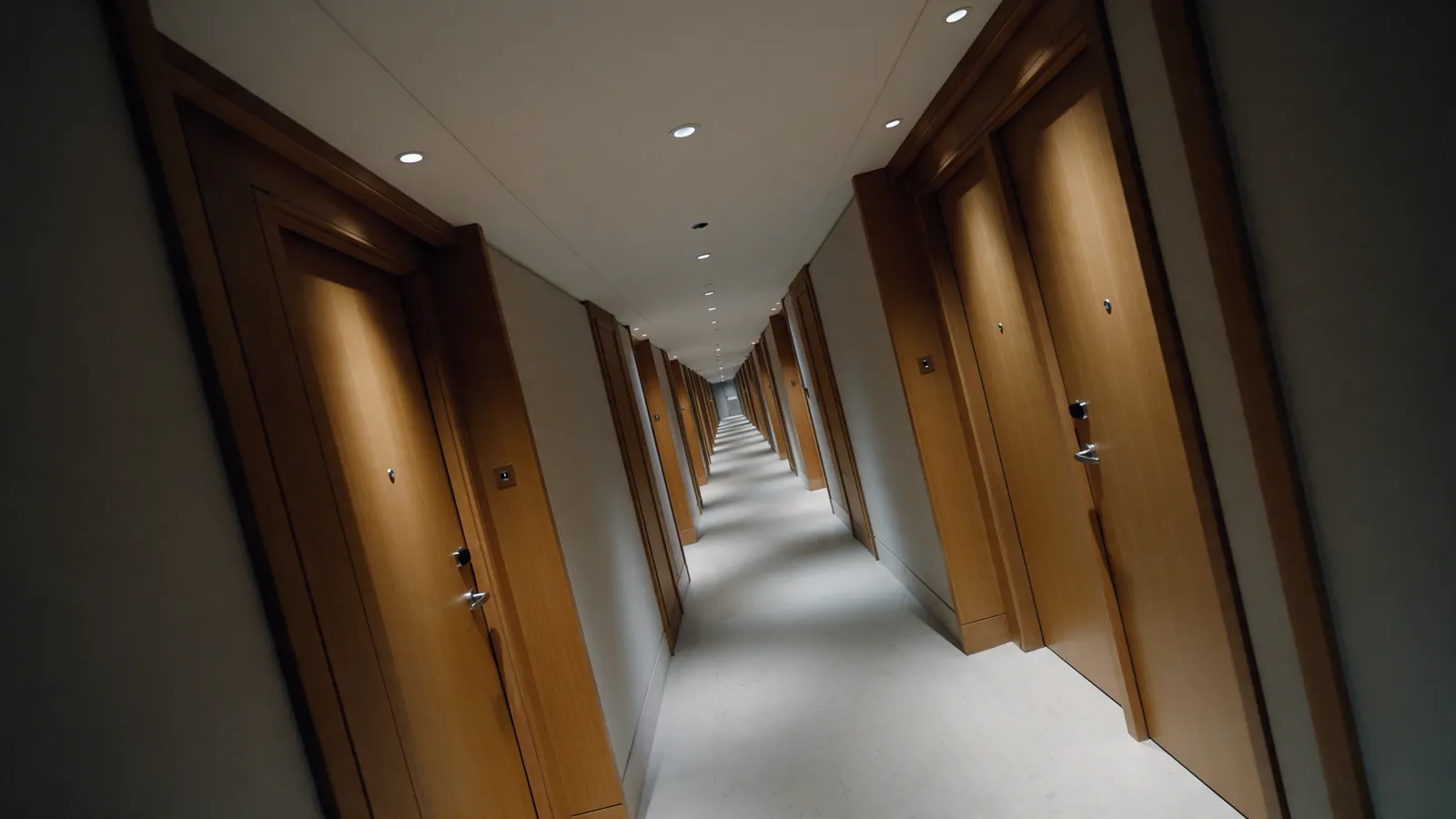
Illustrative hotel corridor with one ceiling light visibly dim.
UC-FAC-003

Lighting state

Surface a dark area or visibly failed light against the expected state and route a maintenance task.
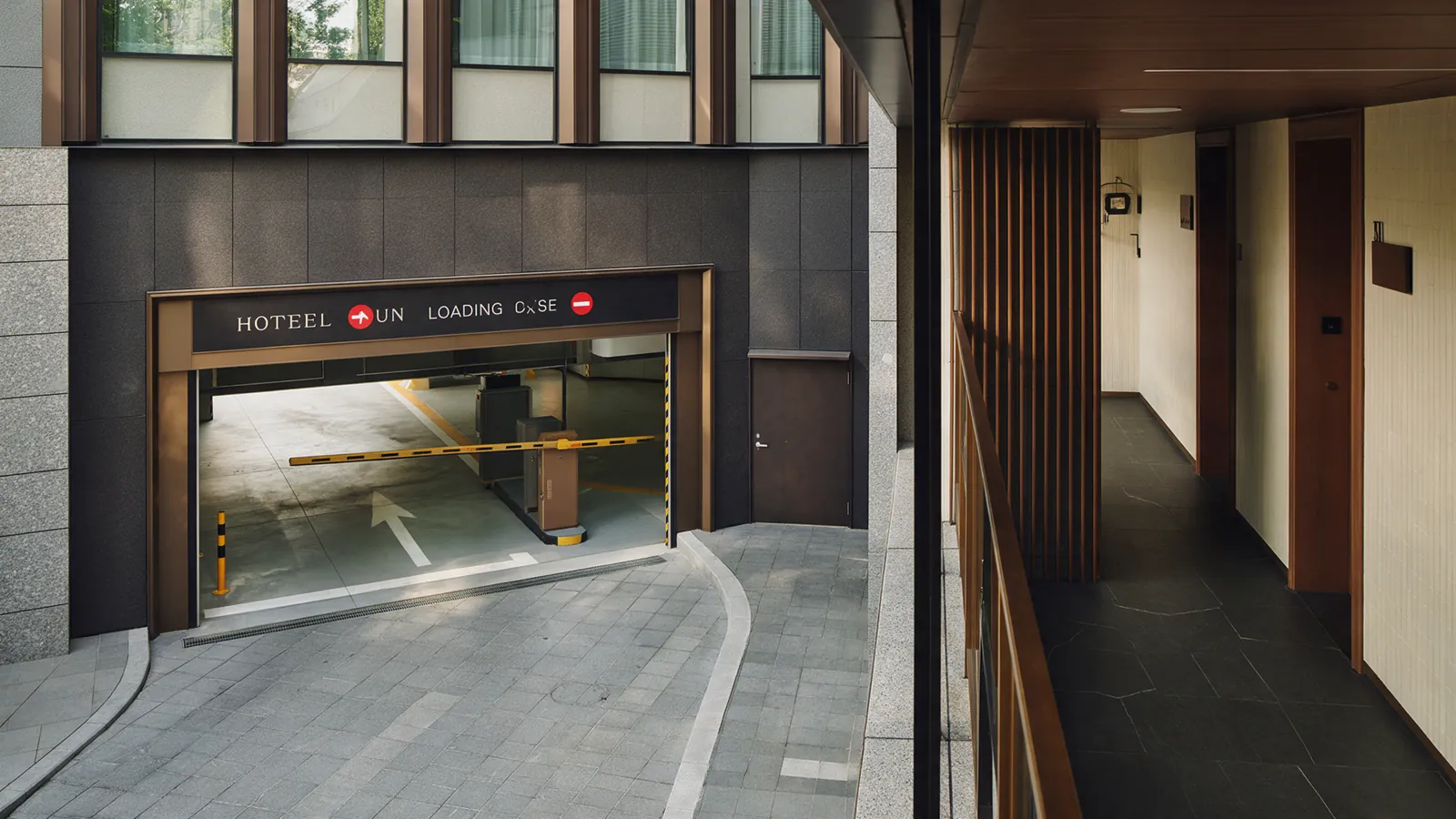
Illustrative hotel loading-area gate left partly open.GATE AJAR0.84
UC-FAC-004

Door / gate state

Check routine closure of service doors, gates or panels against the scheduled operating state in each zone and route a maintenance follow-up to Facilities.
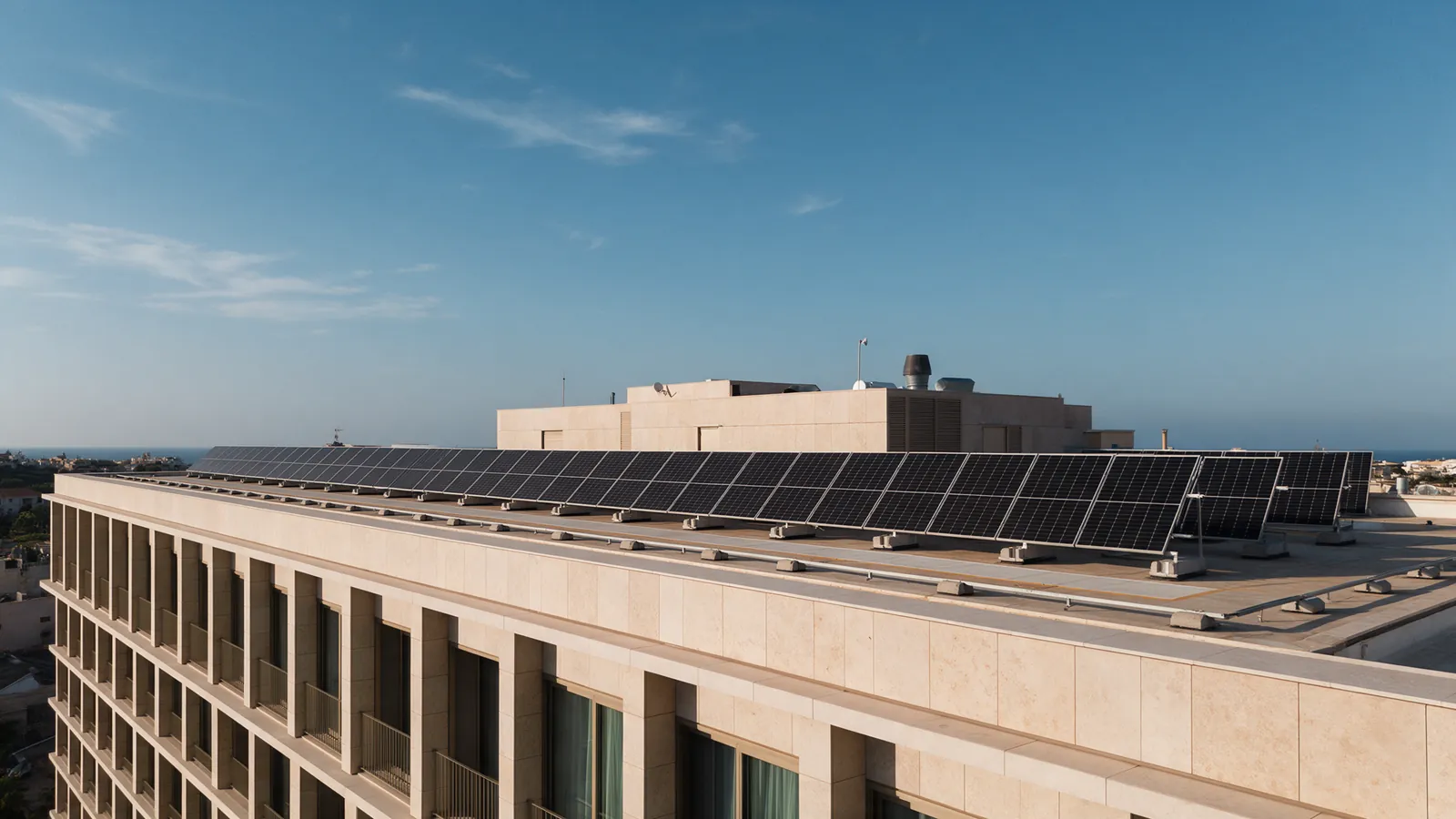
Illustrative hotel rooftop solar panels and a maintenance walkway.SOLAR ARRAY0.93
UC-FAC-005

Pool / rooftop / solar inspection

Support scheduled visual checks of approved, hazardous or hard-to-reach areas; inspection follows the hotel’s safety and access procedure.
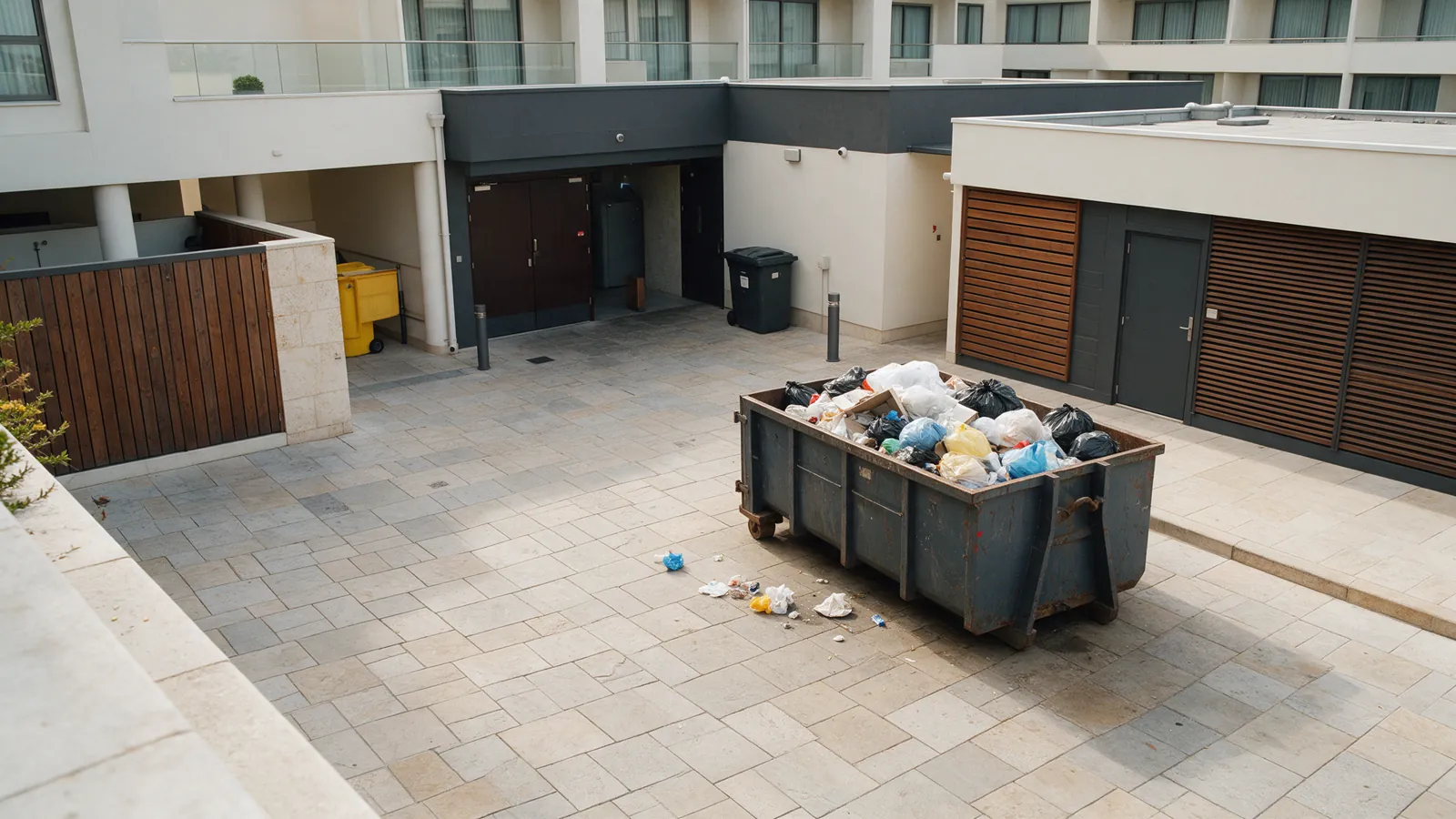
Illustrative hotel waste-service yard with a full container and scattered waste.WASTE OVERFLOW0.94
UC-FAC-006

Waste area monitoring

Surface an overflowing container, scattered waste or possible access issue in designated service areas for staff follow-up.
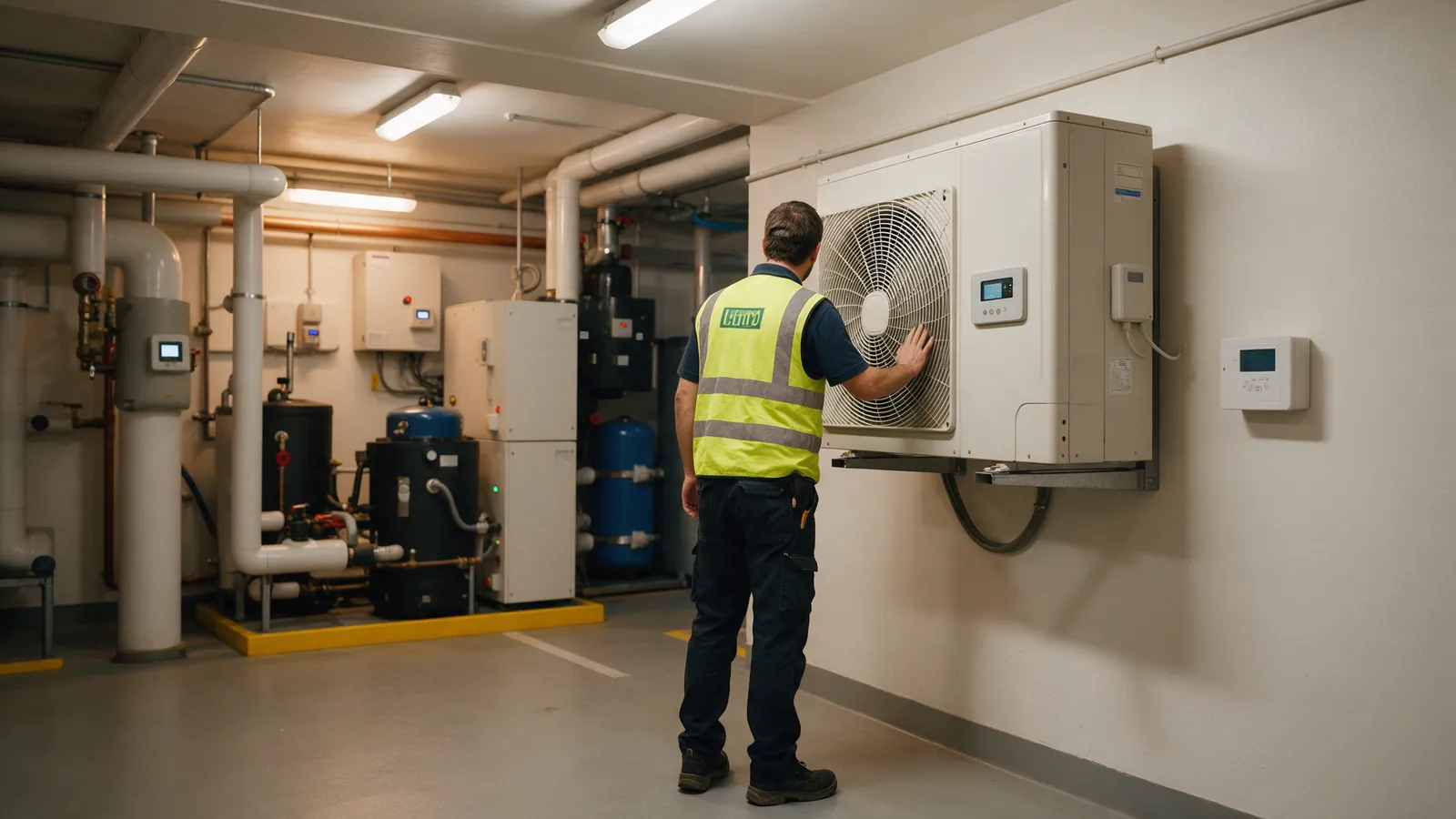
Illustrative facilities technician comparing HVAC equipment with an unlabeled sensor panel.
UC-FAC-007

BMS/event correlation

Correlate visual events with temperature, humidity, energy, HVAC or other BMS/sensor signals; this depends on separate integrations and sensors.
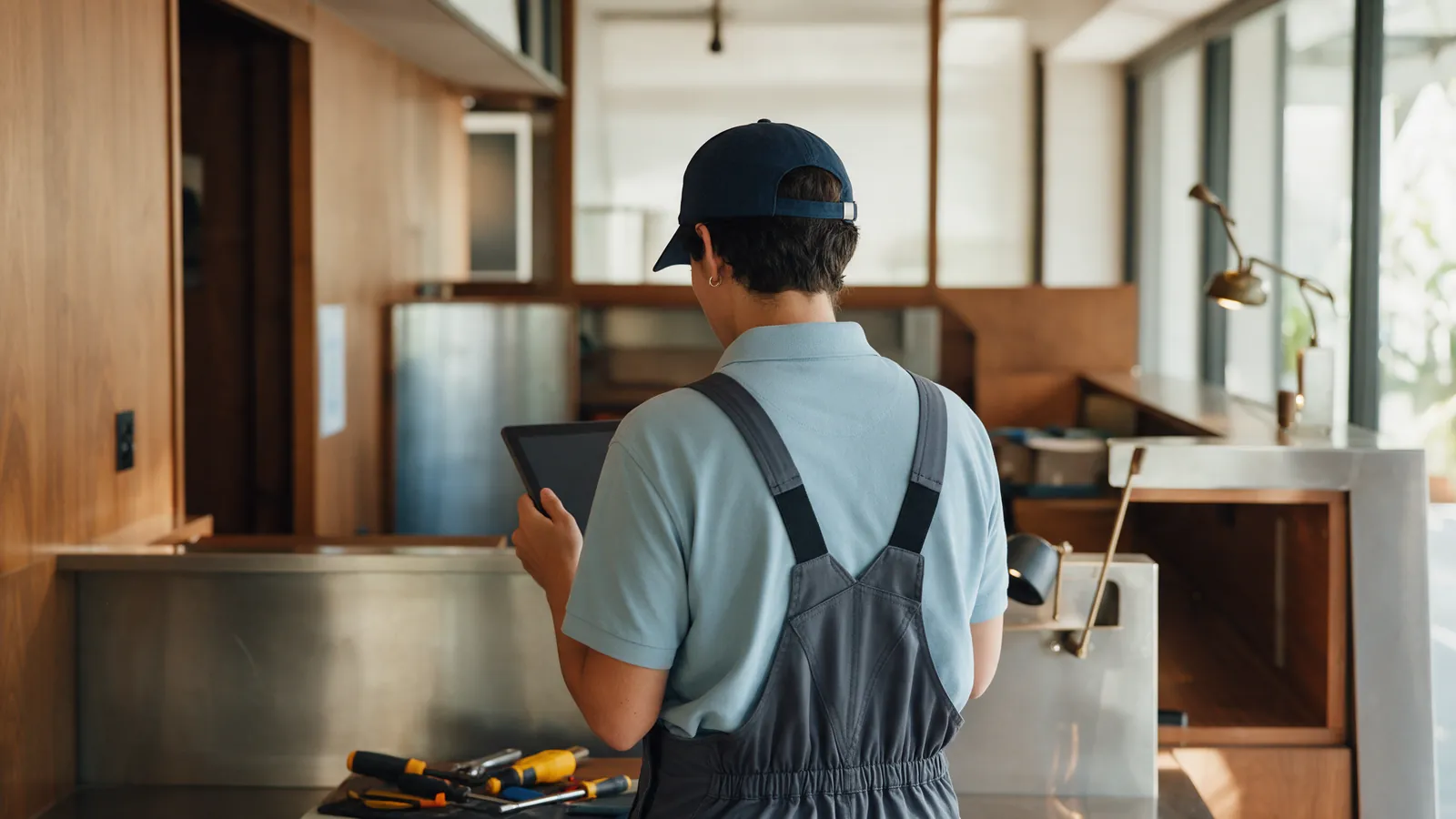
Illustrative hotel maintenance coordinator reviewing a follow-up on a tablet.
UC-FAC-008

Maintenance ticket triage

Group duplicates, set priority and route visual or sensor events into a maintenance helpdesk or CMMS; depends on customer systems.

06

AI agent & operational search

Assistant concepts depend on validated event records, approved hotel procedures and appropriate data access.

7 workflows
Illustrative hotel manager reviewing a tablet in an office overlooking the lobby.
UC-AGT-001

Natural-language incident search

Ask about past events by time and zone and retrieve matching evidence and status, subject to approved data access and retention.

Illustrative operations manager reviewing a tablet and closed folders.
UC-AGT-002

Open incidents digest

Surface open incidents beyond a chosen interval with the responsible group, SLA state and escalation status.
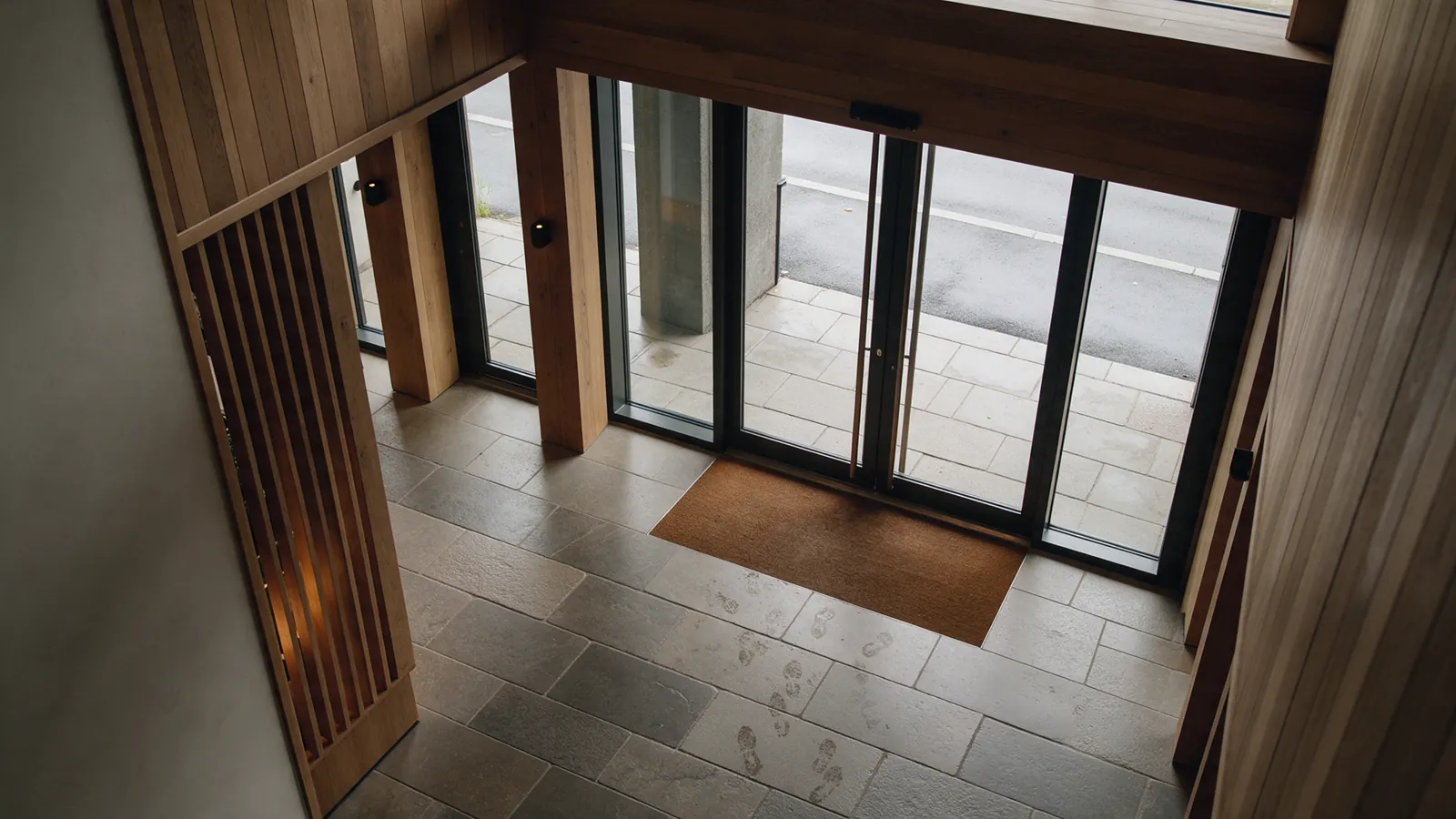
Illustrative hotel entrance corridor with recurring damp marks near the doors.DAMP MARKS0.87
UC-AGT-003

Recurring problem analysis

Find patterns by area, time and event type for root-cause review; a pattern is a lead, not proof of cause.

Illustrative hotel supervisor consulting a procedure binder beside a tablet.
UC-AGT-004

SOP assistant

Suggest the hotel-approved procedure for an event, zone and severity; it cannot change safety policy or authorize high-impact action.
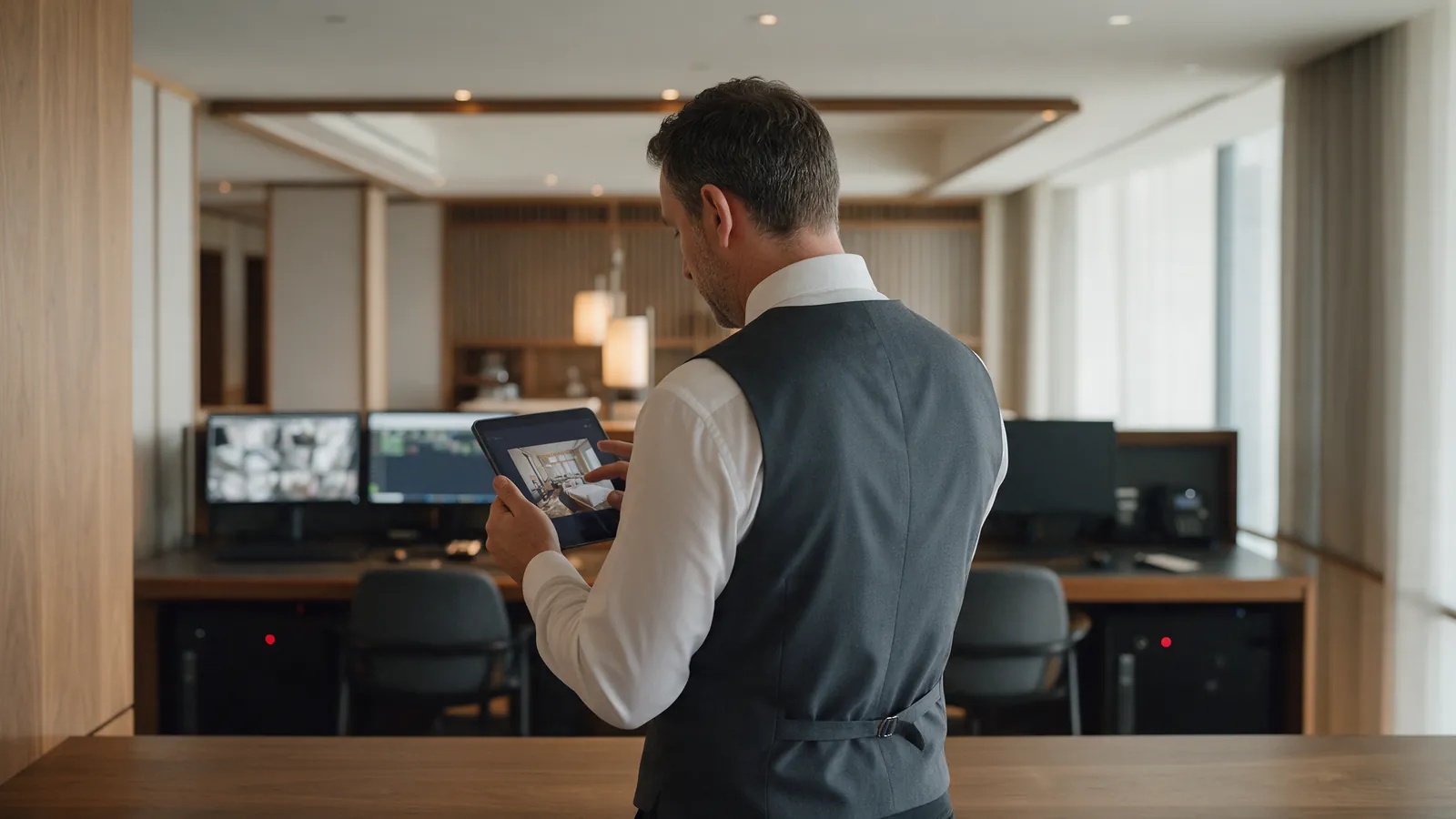
Illustrative hotel operations manager reviewing an unreadable event image on a tablet.
UC-AGT-005

Incident explanation

Explain why an event was raised using its source, timestamp, visual evidence, confidence, policy and routing decision.

Illustrative hotel operations leader preparing a weekly review at a desk.
UC-AGT-006

Report generation

Prepare daily or weekly operational summaries and KPI reports for hotel teams; quality depends on validated events and baseline data.
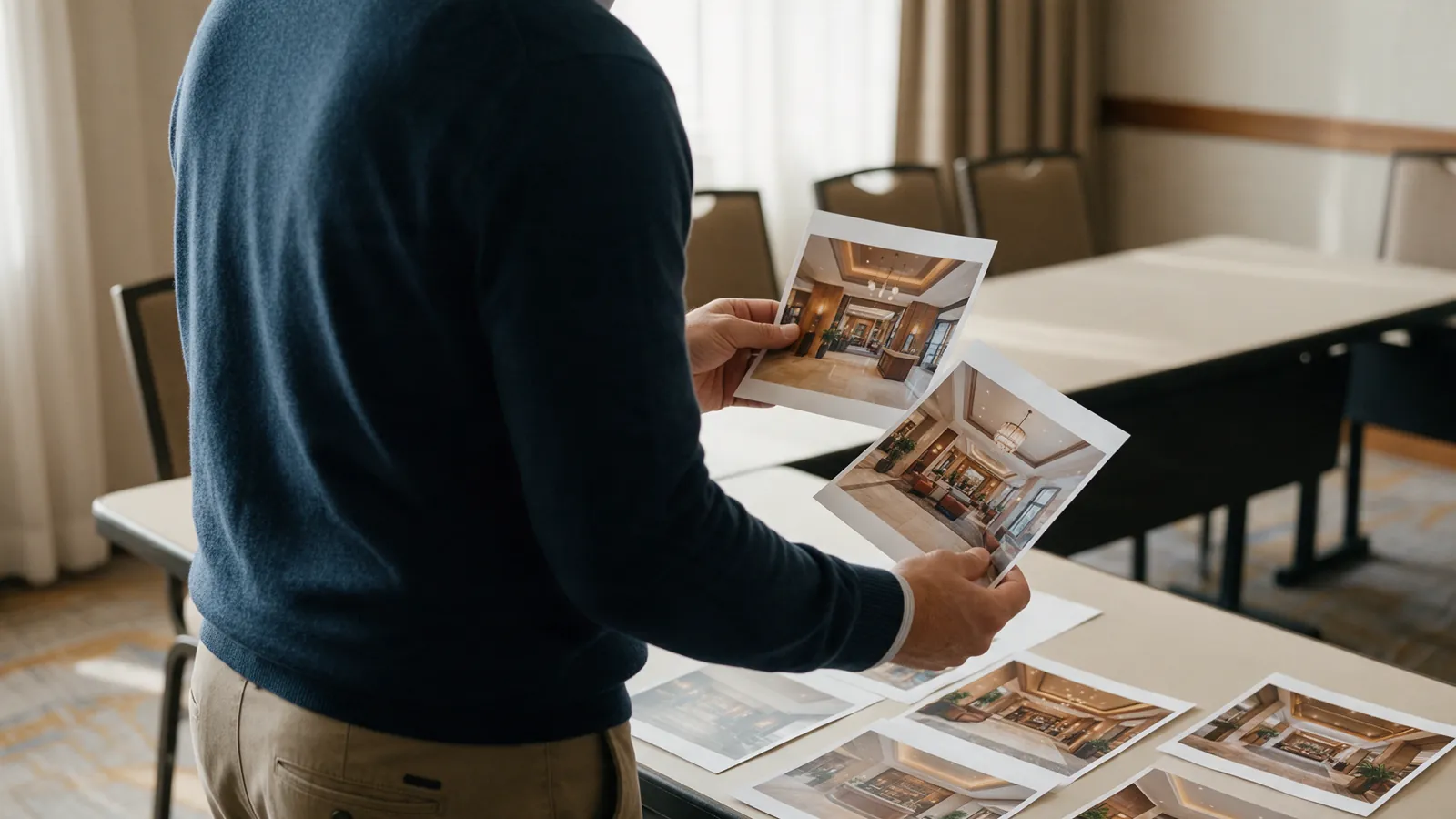
Illustrative regional hotel manager comparing lobby photographs from several properties.
UC-AGT-007

Cross-property operations

Compare alert volumes, recurring issues and response metrics across properties after multi-site deployment and customer approval.

07

Robotics & autonomous cleaning

These future concepts depend on specific robot APIs, fleet systems and safety integrations; robots support hotel teams.
6 workflows
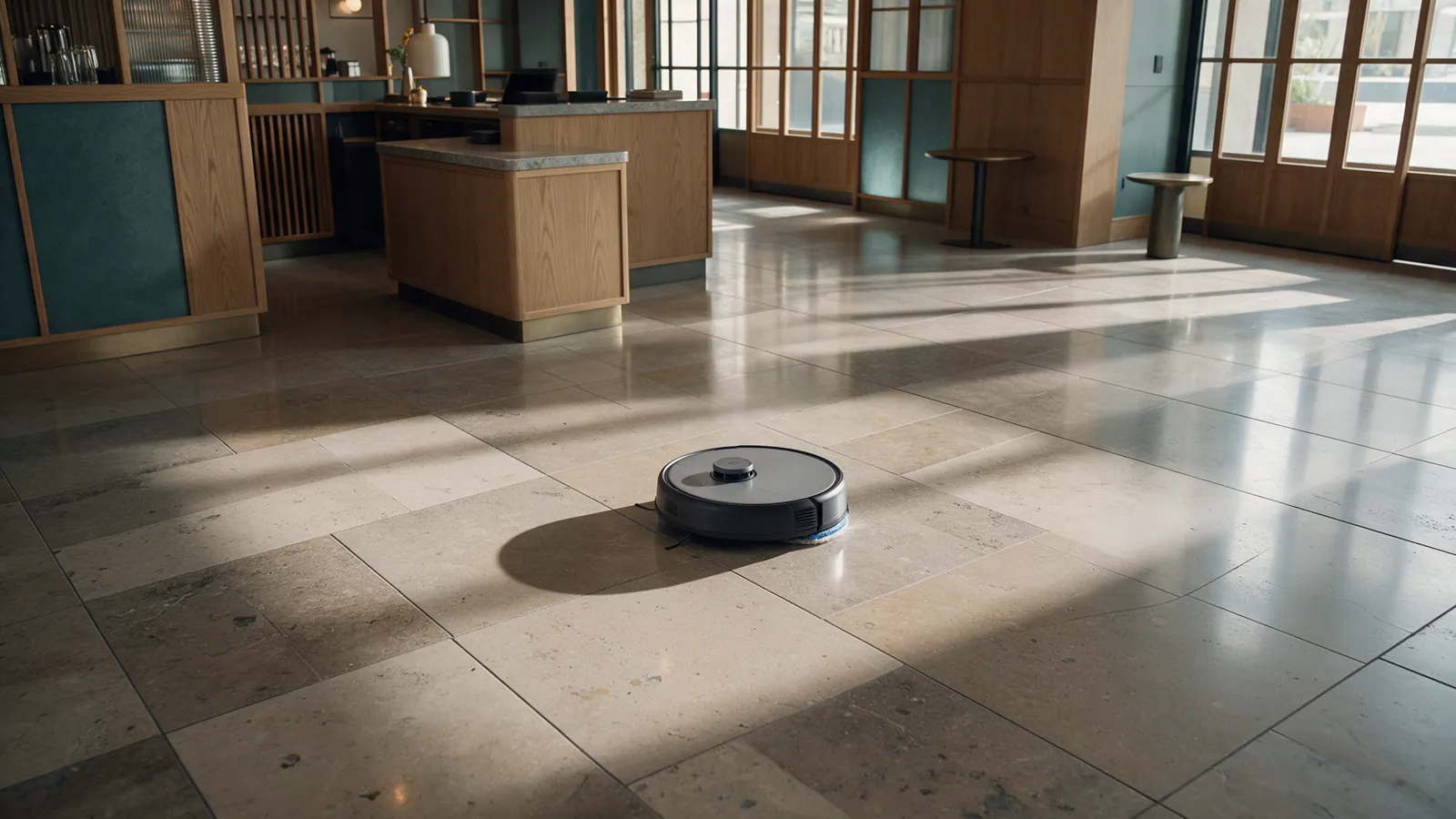
Illustrative autonomous floor-cleaning robot in an empty hotel lobby.CLEANING ROBOT0.96
UC-ROB-001

Floor-cleaning robot progress

Track which zones a cleaning robot has completed, where it stopped and which areas may have been skipped, subject to fleet integration.
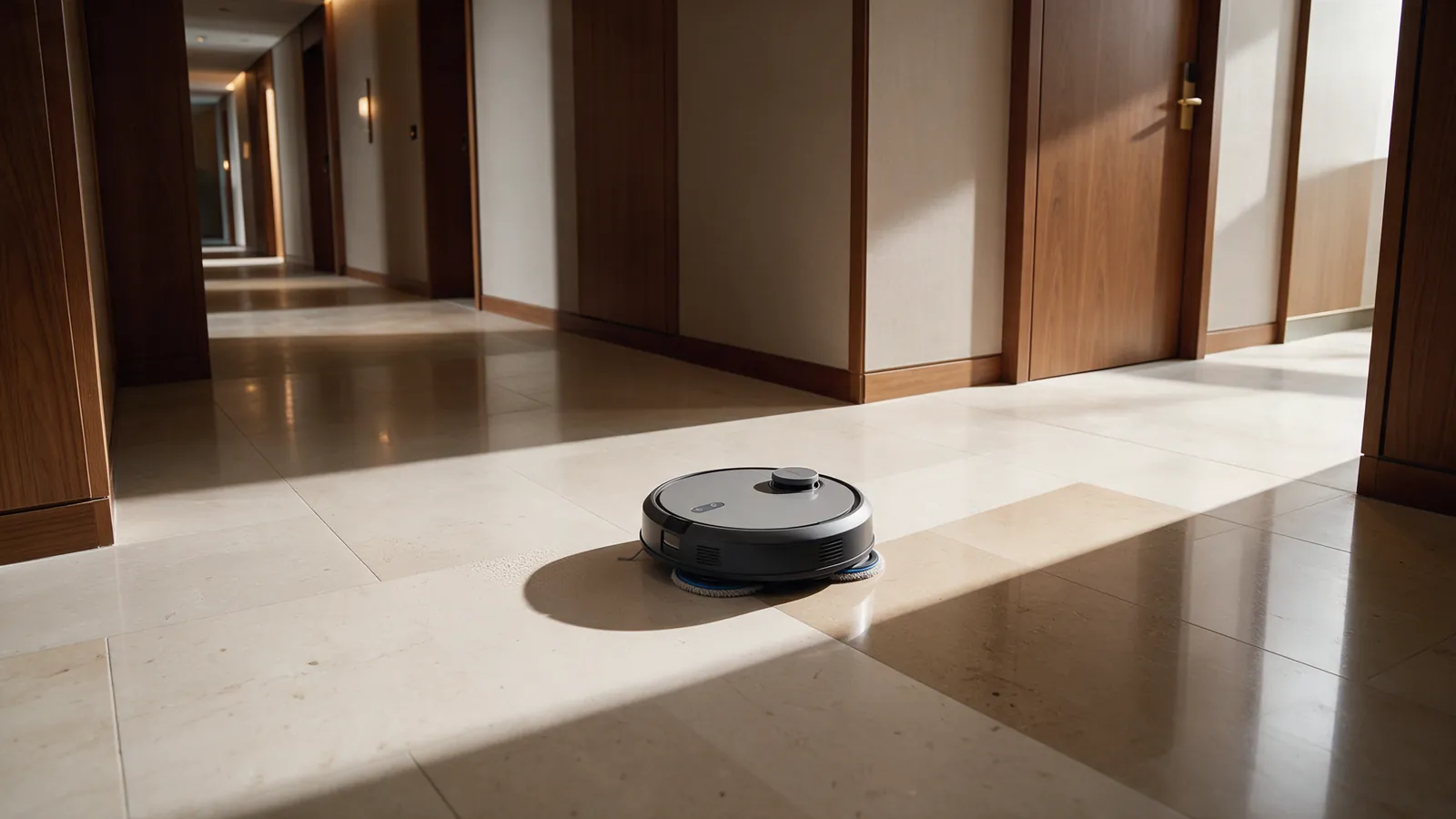
Illustrative autonomous cleaning robot in a hotel corridor during a coverage check.CLEANING ROBOT0.95
UC-ROB-002

Cleaning coverage and quality

Compare a planned route with actual robot coverage and a follow-up visual cleanliness check; requires relevant robot and evaluation data.
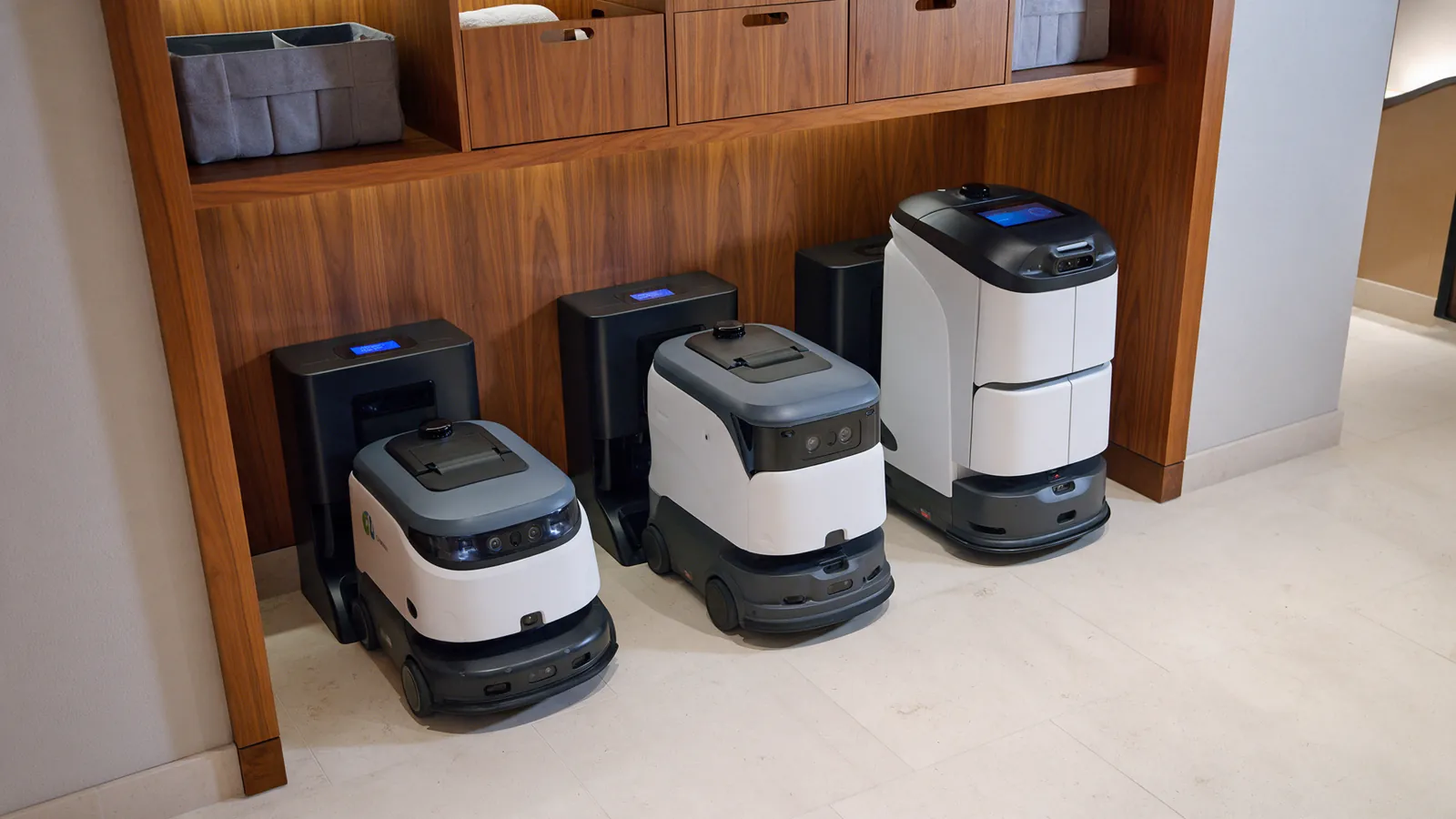
Illustrative fleet of hotel cleaning robots parked in a service bay.ROBOT FLEET0.93
UC-ROB-003

Robot fleet health

Bring robot location, battery, fault state and service events into one operations view; depends on fleet telemetry.
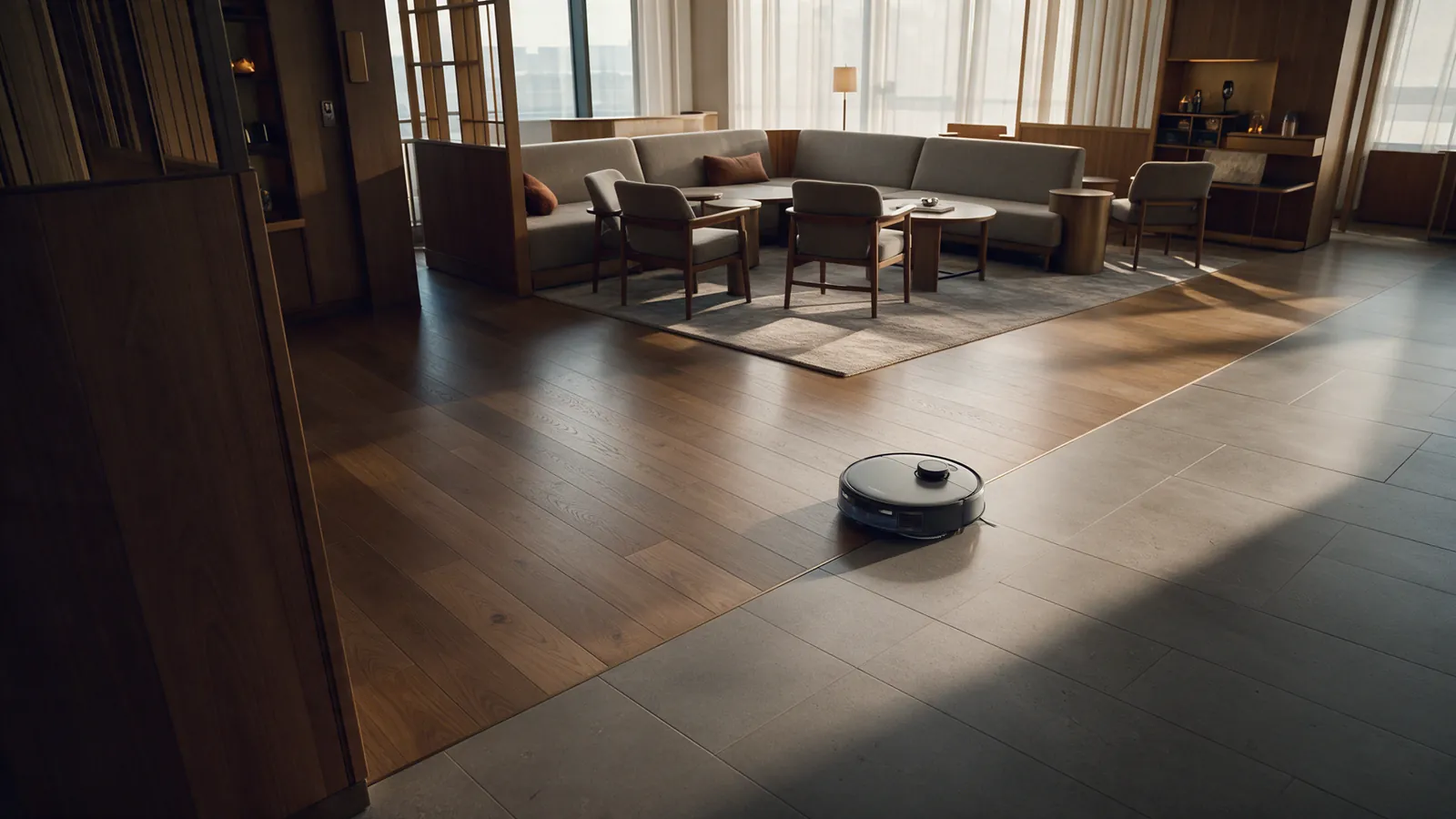
Illustrative autonomous cleaning robot waiting in an empty hotel lounge before service.CLEANING ROBOT0.93
UC-ROB-004

Occupancy-aware robot scheduling

Use aggregate occupancy, queues and approved quiet periods to recommend robot schedules; hotel staff and safety rules stay in control.
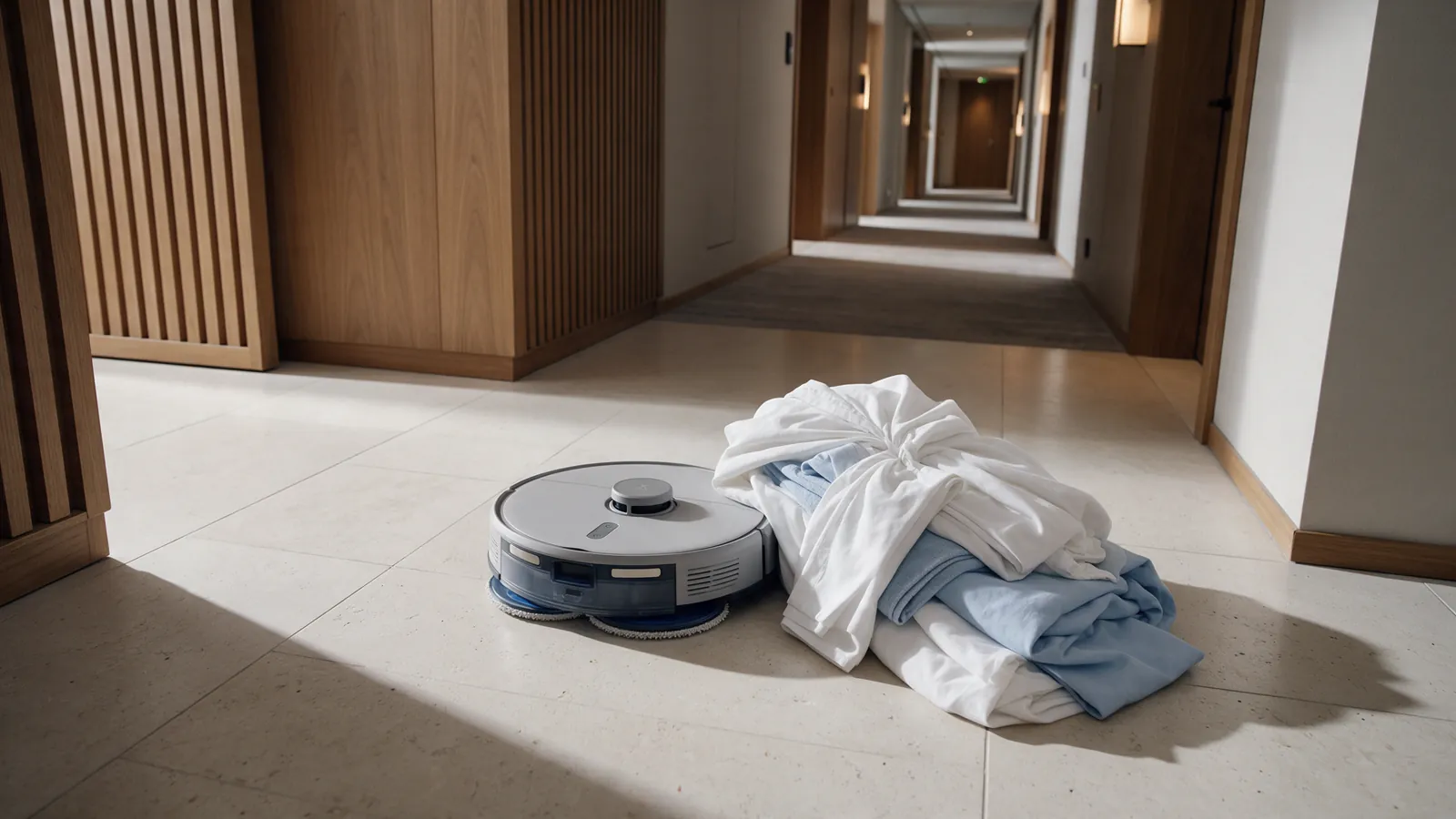
Illustrative cleaning robot paused beside a bundle of linen obstructing its route.ROUTE BLOCKED0.90
UC-ROB-005

Robot blocked / intervention required

Flag a cleaning robot that is blocked, off-route or waiting for help and create a staff intervention task.
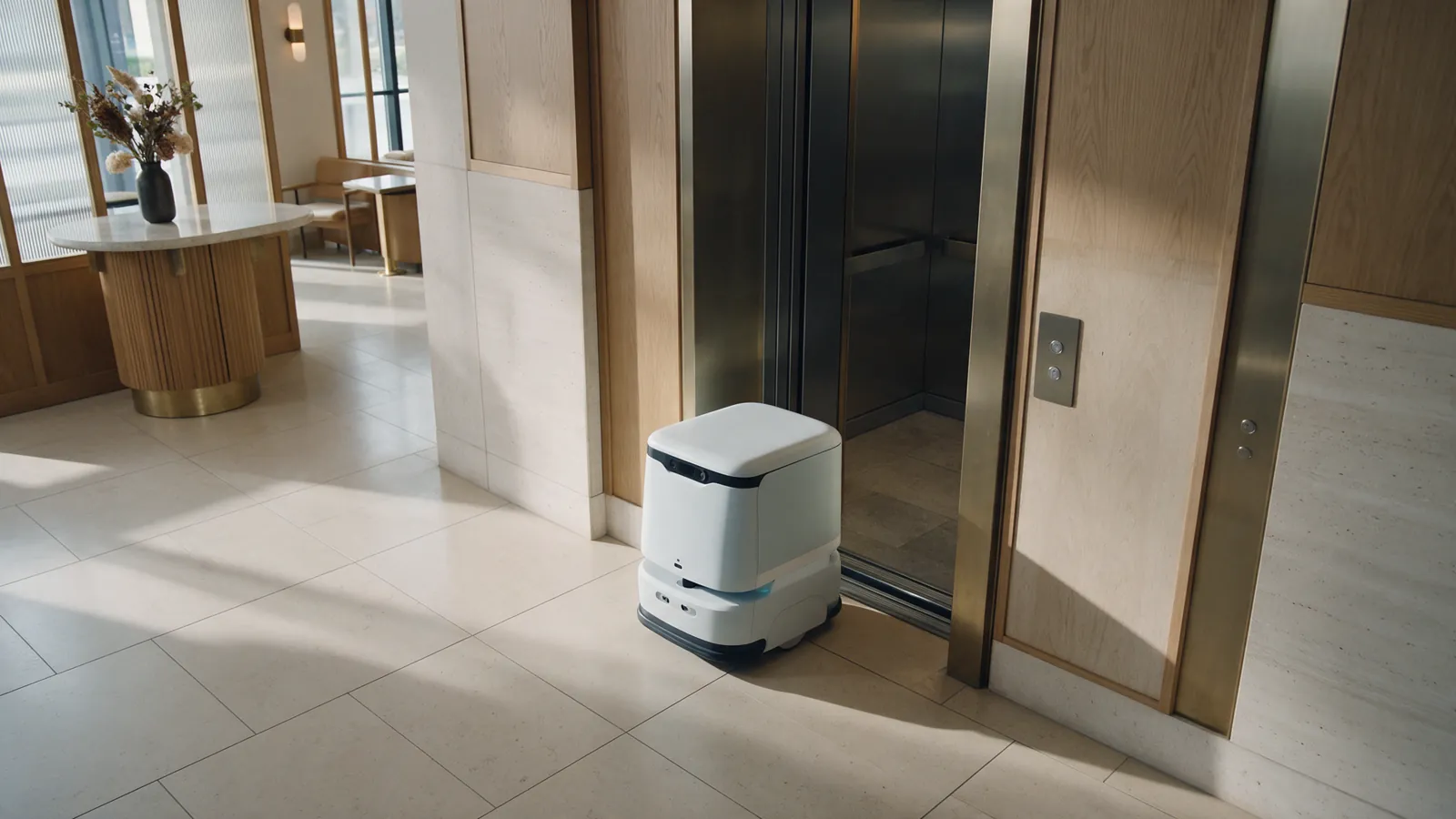
Illustrative delivery robot paused near an elevator threshold in a hotel lobby.DELIVERY ROBOT0.92
UC-ROB-006

Delivery robot incident

Route a delivery robot stoppage, route issue or corridor/elevator obstruction for staff follow-up; depends on the robot API and safety integration.

START WITH EVIDENCE

One workflow. A real hotel context.

Spill / wet floor / slip risk is the current first-pilot candidate—not a final commitment. A pilot scope would be agreed with a hotel team after discovery, camera-readiness checks and privacy review.

Discuss a hotel pilot

Platform

  • How it works
  • Approved camera zones
  • Human verification

Use cases

  • Spill / wet floor
  • Person down / fall
  • Unauthorized presence
  • Door / access state
  • Litter accumulation
  • Queue detection

Pilot

  • Discuss a hotel pilot

G11 Systems

  • Hotel AI Operation Platform
  • Hotels in Cyprus
  • About Us
  • Contact

Legal

  • Privacy Policy
  • Terms & Conditions
Copyright © 2026 G11 SystemsPrivacy PolicyTerms & Conditions
First market: Cyprus
G11Privacy preferences

This website uses cookies

We use cookies to personalise content and ads, to provide social media features and to analyse our traffic. We also share information about your use of our site with our social media, advertising and analytics partners who may combine it with other information that you’ve provided to them or that they’ve collected from your use of their services.

Cookie categories

Necessary storage is always enabled so this site can remember your choice. Optional categories apply only to services configured to use them.

Preferences covers optional site settings. Statistics controls analytics services. Marketing controls advertising-related storage signals. The full provider inventory is still being confirmed; see the Privacy Policy for the information currently available.

About your choices

Your category choices are stored in this browser's local storage. You can change or withdraw them at any time using the Cookies link in the footer.

Necessary
Preferences
Statistics
Marketing